The Mutual Action Plan: How to Build a Close Plan Your Buyers Will Actually Use
Stop sending spreadsheets that nobody opens. Learn how to turn your deal timeline into a collaborative roadmap that gets signed using Digital Sales Rooms.
The Mutual Action Plan: How to Build a Close Plan Your Buyers Will Actually Use
Stop sending spreadsheets that nobody opens. Here is how to turn your deal timeline into a collaborative roadmap that gets signed.
We have all been there. You are deep in a complex deal. You ask the prospect, "What does the process look like to get this signed by end of month?"
They vaguely mention legal review, procurement, and a signature from the CFO.
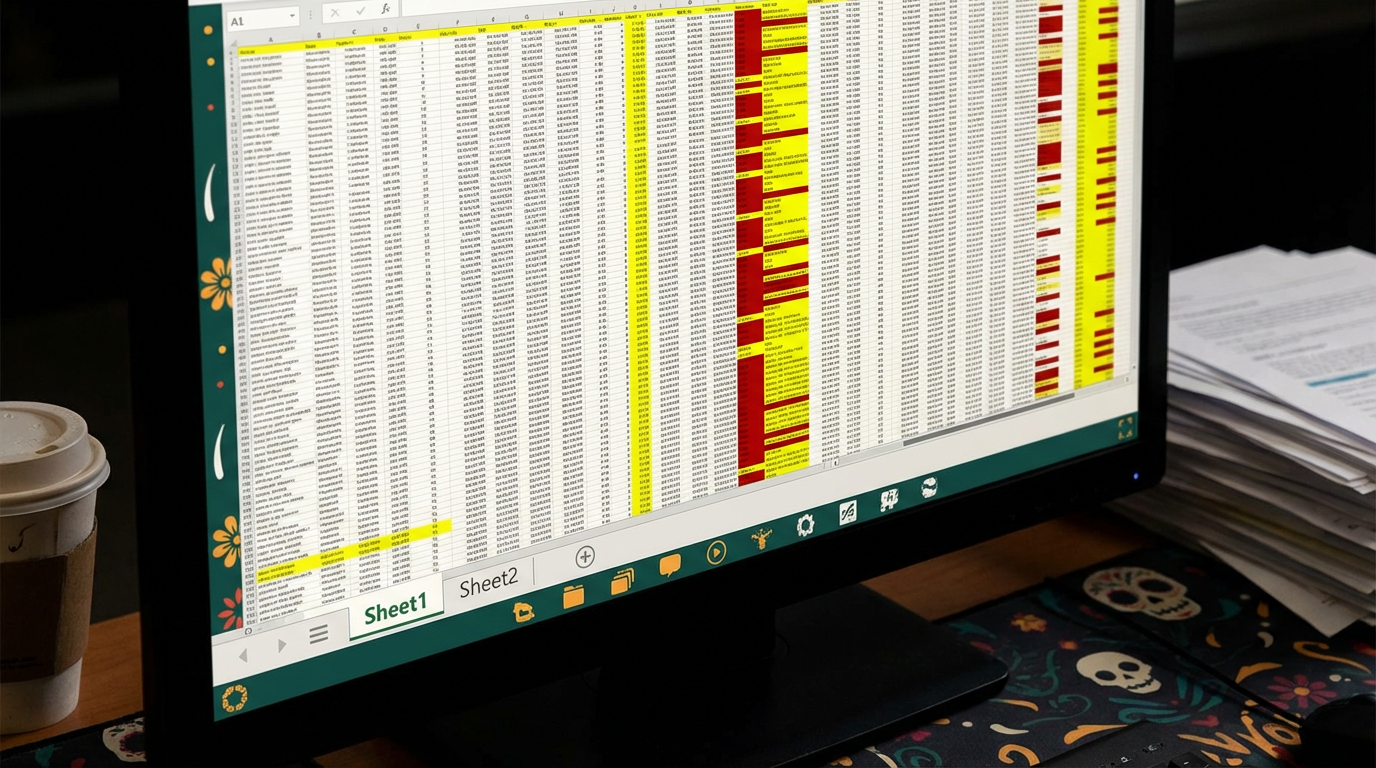
To be a "pro," you open Excel. You create a multi-tab spreadsheet listing every step, colour-code the owners, and email it to them with the subject line: "Draft Mutual Action Plan attached."
And then... they never look at it again.
Why? Because buyers hate spreadsheets.
Spreadsheets look like homework. They feel like a project management audit. They are intimidating, ugly on mobile, and impossible to update without sending a new version.
A Mutual Action Plan (MAP) is supposed to be a tool for acceleration. If your tool is adding friction, it's not a map—it's a roadblock.
Here is how to build a modern MAP that buyers actually engage with.
What is a Mutual Action Plan (And Why Do They Fail)?
A MAP is simply a shared timeline agreed upon by both buyer and seller to get from "Contract" to "Go-Live."
They usually fail for three reasons:
They are one-sided: The sales rep writes it, sends it, and the buyer never agrees to it. It's a "Sales Rep Action Plan," not a "Mutual" one.
They are static: Sent as a PDF or Excel file. As soon as a date slips (and dates always slip), the document is obsolete.
They are disconnected: The plan is in an Excel sheet, but the proposal is in a PDF, and the legal docs are in a Word file. The buyer has to jump between three apps to understand the deal.
The Pivot: The "Embedded" Close Plan
The solution is to move the MAP out of the spreadsheet and into your Digital Sales Room.
With a tool like Distribute, your checklist lives on the same web page as your proposal and case studies. It's not an attachment; it's a living part of the deal narrative.
Here is why this approach works better:
1. It's "Notion-Like" and Collaborative
Instead of a rigid grid, you present a clean, interactive checklist.
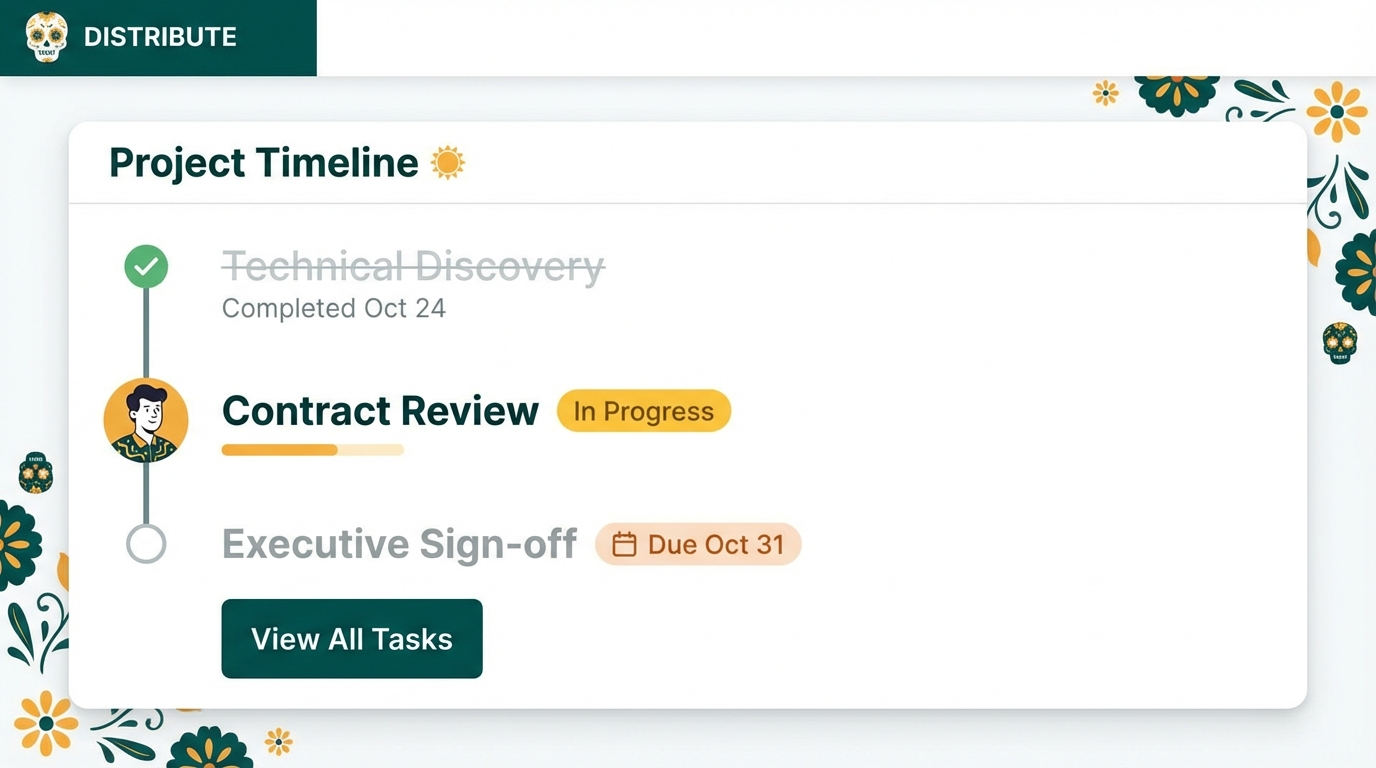
- [x] Step 1: Sign NDA (Completed)
- [ ] Step 2: Legal Review (Due: Oct 12)
- [ ] Step 3: Procurement Sign-off (Owner: Sarah)
Because it's a live link, your buyer can actually check the boxes off themselves. When they click "Complete" on a task, they feel a sense of ownership. They are physically participating in the closing process.
2. Real-Time Accountability
In Excel, a missed deadline is just a cell turning red that nobody sees. In a Digital Sales Room, you can assign a "Due Date" to a step. If Legal Review is delaying the deal, it's visible on the shared timeline. It gives you a polite, neutral way to follow up: "Hey Sarah, I see we are flagged as overdue on Step 3—how can I help unblock that?"
3. Working Backwards from "Go-Live"
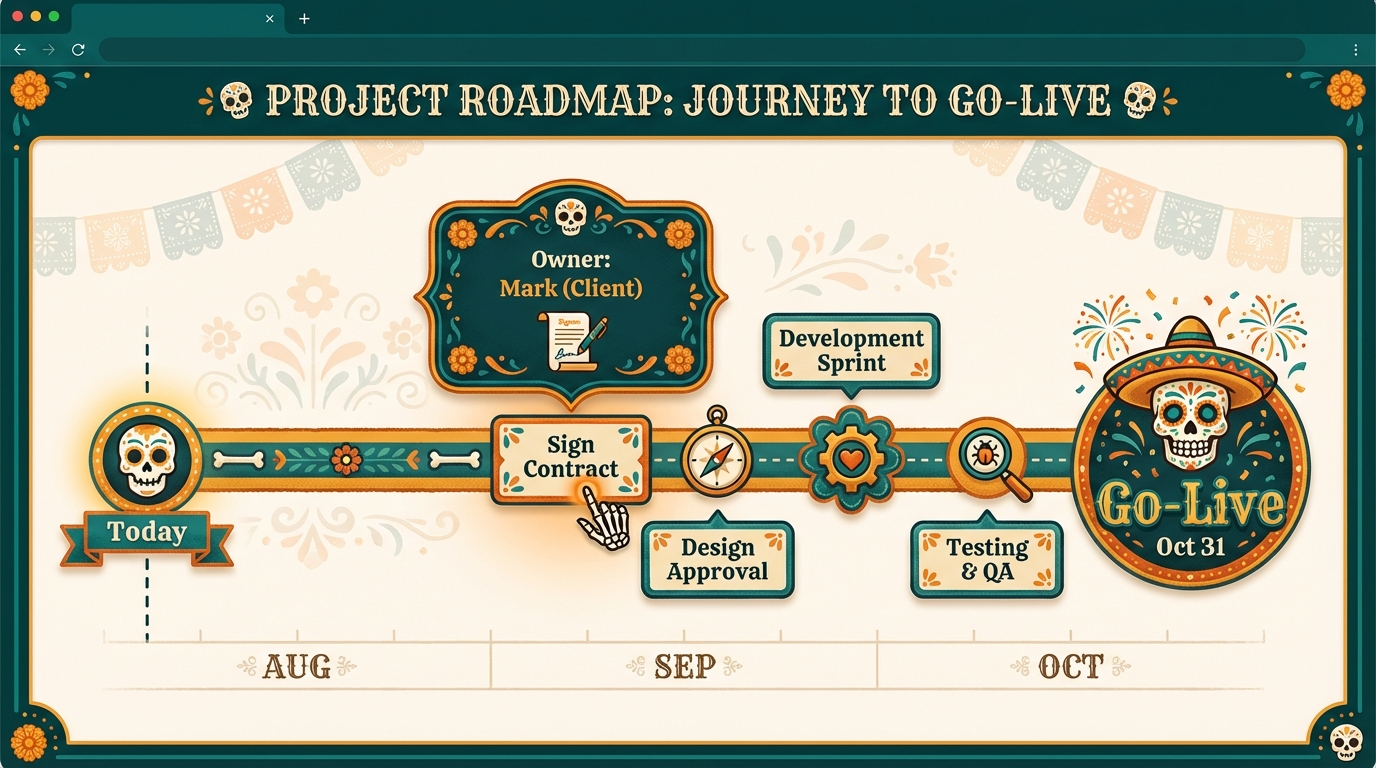
The psychology of a good MAP is focusing on the value date, not the signature date. Don't ask: "When can you sign?" Ask: "You said you needed this implemented by January 1st. To hit that, we need to sign by Dec 15th. Shall we build the plan backward from there?"
When you visualize this in a live timeline, the buyer sees why they need to hurry. The deadline isn't your quota; it's their project success.
Summary: Make It Easy to Buy
If you want a "Partner" relationship, stop assigning "Homework."
Ditch the Excel sheet. Build a clean, collaborative timeline inside your Digital Sales Room. When the steps are clear, visible, and easy to interact with, you stop chasing signatures and start managing a joint project.
A Mutual Action Plan should be mutual. Move it out of static spreadsheets and into a live Digital Sales Room where both you and your buyer can collaborate, track progress, and stay accountable together.
Ready to build close plans that actually close? Distribute lets you embed interactive timelines directly in your Digital Sales Room. Start your free trial today and turn your MAP into a deal accelerator.
Andy Mewborn
Content Specialist at Distribute. Exploring the intersection of AI, sales, and buyer enablement.
Related Articles
What Is a Digital Sales Room? (Definition & Benefits for B2B Sales)
A digital sales room (DSR) is a secure, centralized online workspace where B2B sellers and buyers collaborate throughout the sales process. Learn how DSRs are transforming sales with 50% faster deal cycles and 200% higher win rates.
Buyer Enablement 101: Empowering B2B Buyers to Close Deals Faster
Buyer enablement is the provisioning of information that supports the completion of critical activities necessary to make a purchase. Learn how to empower B2B buyers with the right tools, content, and support to accelerate deals and improve win rates.
How to Sell to the Person You Will Never Meet (The "Ghost" Stakeholder)
You run a perfect sales process, but deals stall when your champion tries to pitch internally. Learn how to arm them with a Digital Sales Room that sells for you when you're not in the room.