The Folder Chaos Cure: How to Organize Sales Collateral So Buyers Actually Read It
Google Drive is for storage, not for selling. Learn why your prospects are ignoring your shared folders and how to organize sales collateral so buyers actually engage with it.
The Folder Chaos Cure: How to Organize Sales Collateral So Buyers Actually Read It
You finish a great discovery call. The prospect asks for "some more information on pricing and security."
You want to be thorough, so you create a shared folder (Google Drive, Dropbox, or SharePoint). You upload the deck, the security whitepaper, three case studies, and an Excel pricing sheet. You organize them into neat sub-folders: 01_Pricing, 02_Security, 03_Case_Studies.
You send the link. And then... nothing.
When you check the logs, maybe they opened the root folder. But they didn't click the sub-folders. They certainly didn't find the pricing sheet buried in 01_Pricing > v2_Updates.
The problem isn't your content. The problem is your delivery.
You are asking a busy executive to navigate a warehouse when they just wanted a menu.
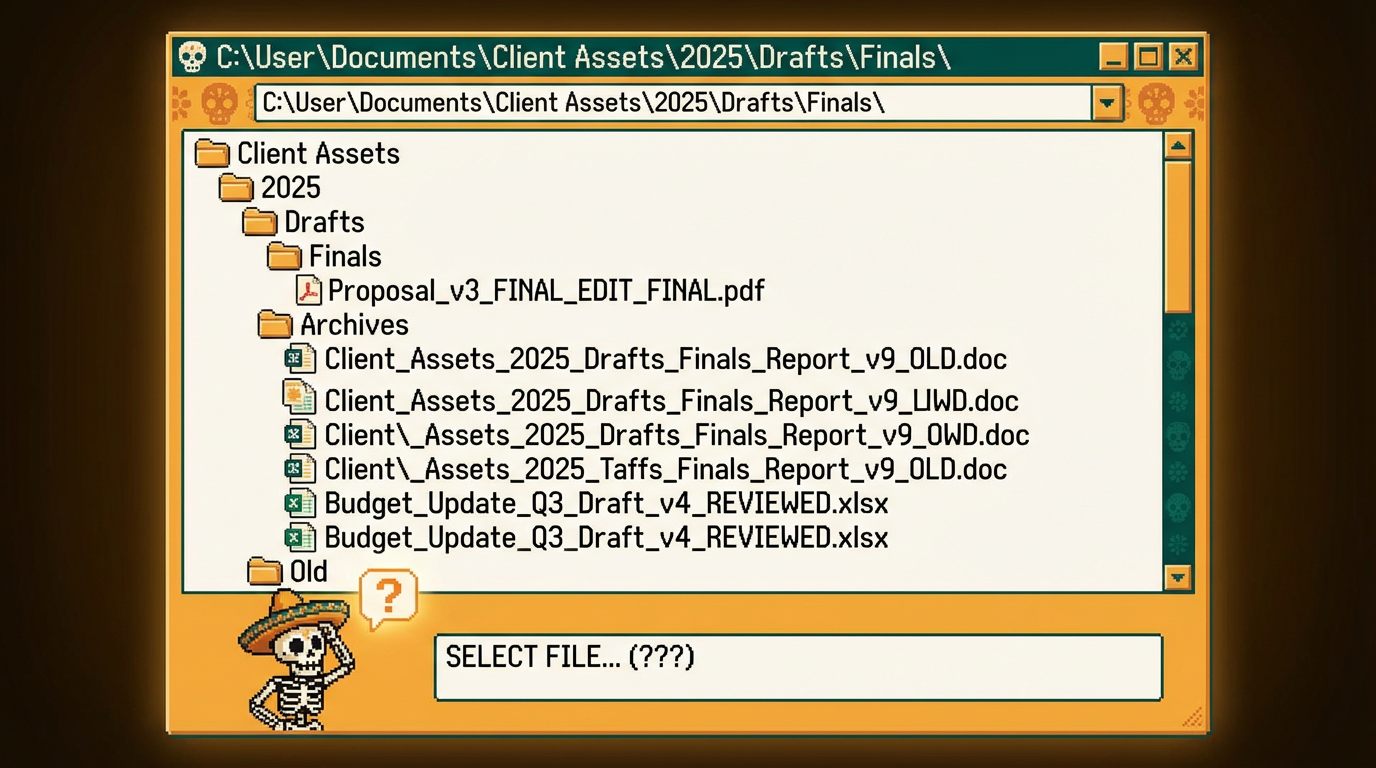
The "Warehouse" Problem
File storage tools (like Drive and Box) are designed for storage, not sales. They are built to hold everything, forever. But in sales, "everything" is the enemy.
When you send a folder link, you are forcing the buyer to do the work:
- Cognitive Load: They have to read filenames like
ACME_Proposal_vFinal_Q3.pdfand guess if that's the one they need. - No Context: A list of files has no narrative. They don't know that they should watch the video before reading the technical specs.
- Version Hell: If you update a file, does the link break? Do they see the old version?
The Pivot: Curate, Don't Dump
Imagine walking into a high-end restaurant. Does the chef point you to the pantry and say, "All the ingredients are on the shelves, help yourself"?
No. They give you a curated menu.
A Digital Sales Room (DSR) is your menu.
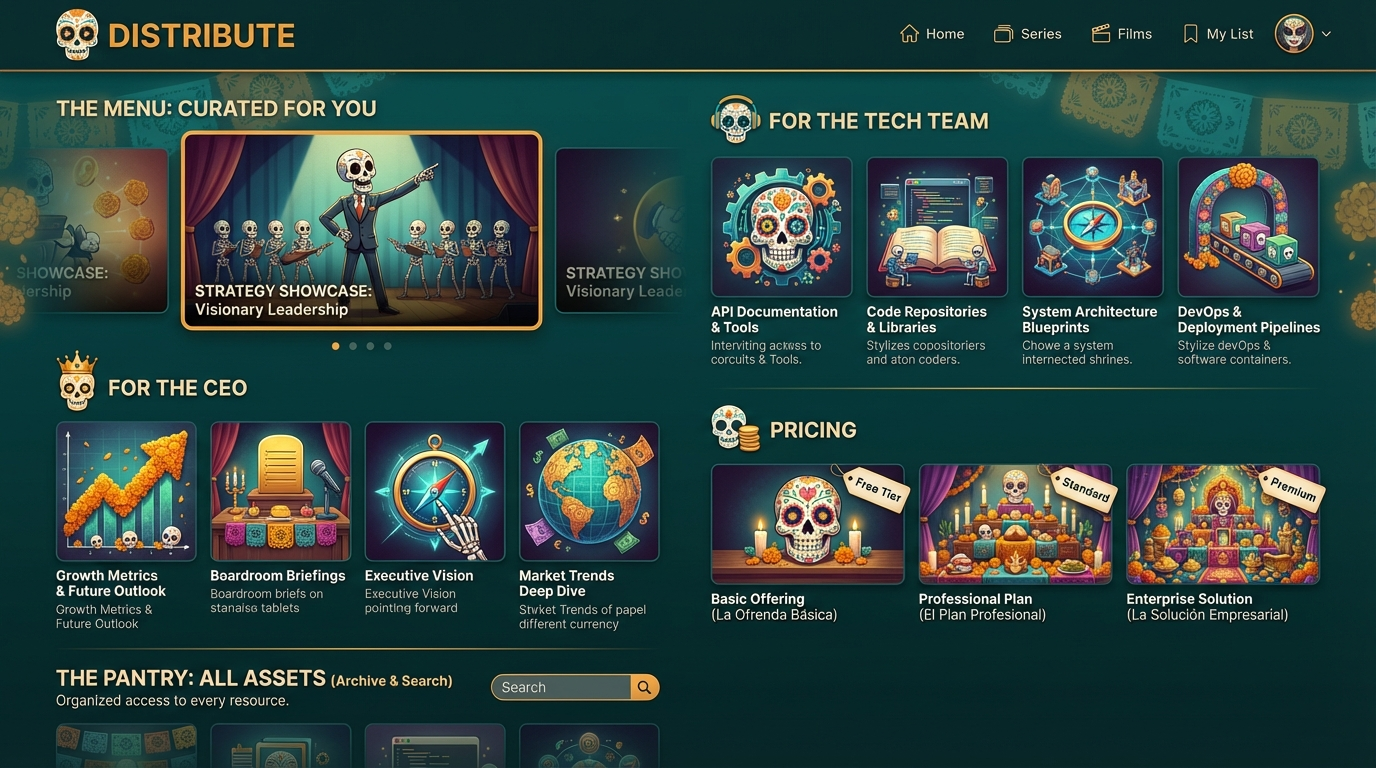
Instead of a folder hierarchy, a DSR allows you to present your assets visually, in the exact order you want them consumed. It turns a list of files into a guided narrative.
3 Ways a DSR "Un-Sucks" the Buyer Experience
1. Visual Thumbnails vs. Filenames
In a Google Drive folder, a video is just a filename: Demo_Video.mp4. In a Digital Sales Room, that same video is a large, playable embed with an inviting thumbnail. Humans are visual. We click images, not text lists.
2. The "Netflix" Effect (Bingeable Content)
When a buyer finishes reading your one-pager in a DSR, the next relevant piece of content (e.g., a related case study) is right there next to it. You keep them in the ecosystem. In a folder, they have to hit "Back," scan the list, and decide to click again. Every click is a chance for them to leave.
3. Contextual Guiderails
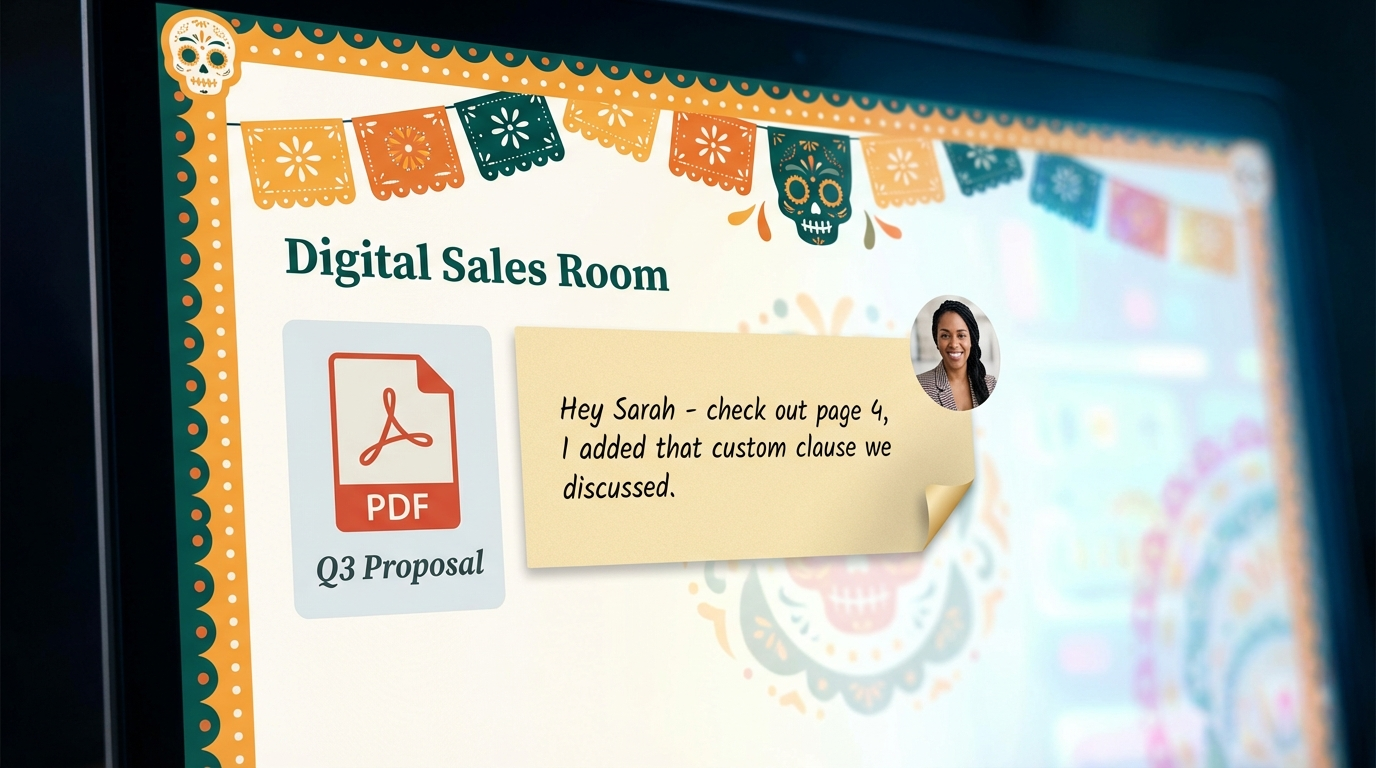
This is the superpower of a DSR. You aren't just uploading files; you are adding text between the files.
- Above the Pricing PDF: "Based on our call, I've highlighted Option B on page 3."
- Below the Security Doc: "Pass this to your infosec team—it answers their top 5 questions."
You are virtually standing next to them, guiding them through the deal.
Summary: Stop Making Your Buyers Dig
Your champions are busy. If you make them dig for information, they will give up.
Stop sending them to the warehouse. Build them a showroom.
By moving from folders to a Digital Sales Room, you control the narrative, simplify the journey, and make it easy for them to say "Yes."
Distribute lets you create beautiful, trackable Digital Sales Rooms in minutes. Stop losing deals to buried content. Start your free trial today.
Andy Mewborn
Content Specialist at Distribute. Exploring the intersection of AI, sales, and buyer enablement.
Related Articles
What Is a Digital Sales Room? (Definition & Benefits for B2B Sales)
A digital sales room (DSR) is a secure, centralized online workspace where B2B sellers and buyers collaborate throughout the sales process. Learn how DSRs are transforming sales with 50% faster deal cycles and 200% higher win rates.
Buyer Enablement 101: Empowering B2B Buyers to Close Deals Faster
Buyer enablement is the provisioning of information that supports the completion of critical activities necessary to make a purchase. Learn how to empower B2B buyers with the right tools, content, and support to accelerate deals and improve win rates.
Enhancing the B2B Buyer Experience with Digital Sales Rooms
Modern B2B buyers face information overload and complex purchasing processes. Learn how digital sales rooms create buyer-centric experiences that reduce friction, enable self-service, and improve satisfaction throughout the buying journey.