12 Best Meeting Transcription Software Options for Sales Teams (2025)
Compare the 12 best meeting transcription software options for sales teams in 2025. In-depth reviews of Distribute, Otter.ai, Fireflies, Rev, Zoom AI, and more with pricing and features.
12 Best Meeting Transcription Software Options for Sales Teams (2025)
In today's fast-paced sales environment, manually transcribing meeting notes, summarizing calls, and drafting follow-up emails is a significant time sink. Every minute spent on administrative tasks is a minute not spent selling. This is where AI-powered meeting transcription software becomes a game-changer, moving beyond simple text records to unlock critical insights, automate workflows, and accelerate your sales cycle.
But with so many options available, how do you choose the right one? The market is crowded with everything from standalone transcription services to fully integrated sales assistants. Finding the best meeting transcription software for your specific needs, whether for a sales team, a marketing department, or an entire organization, can be overwhelming. You need a tool that seamlessly fits into your existing tech stack, from Zoom and Google Meet to your CRM.
This guide cuts through the noise. We've analyzed the market to identify the top 12 tools that excel in accuracy, integration capabilities, and features designed specifically for revenue teams. We provide a practical, in-depth look at each solution, focusing on real-world use cases, honest limitations, and clear pricing analysis. Our goal is simple: to help you find the perfect software to eliminate manual work, improve coaching, and give your team more time to focus on what matters most—closing deals.
1. Distribute
Distribute is an AI-powered sales assistant that transforms standard meeting transcription into a strategic, deal-closing asset. It moves beyond simple text conversion by automatically recording, transcribing, and then using that data to generate complete, shareable deal pages in about 60 seconds. This positions it as a powerful, end-to-end solution for sales teams looking to automate follow-up and accelerate their sales cycle.
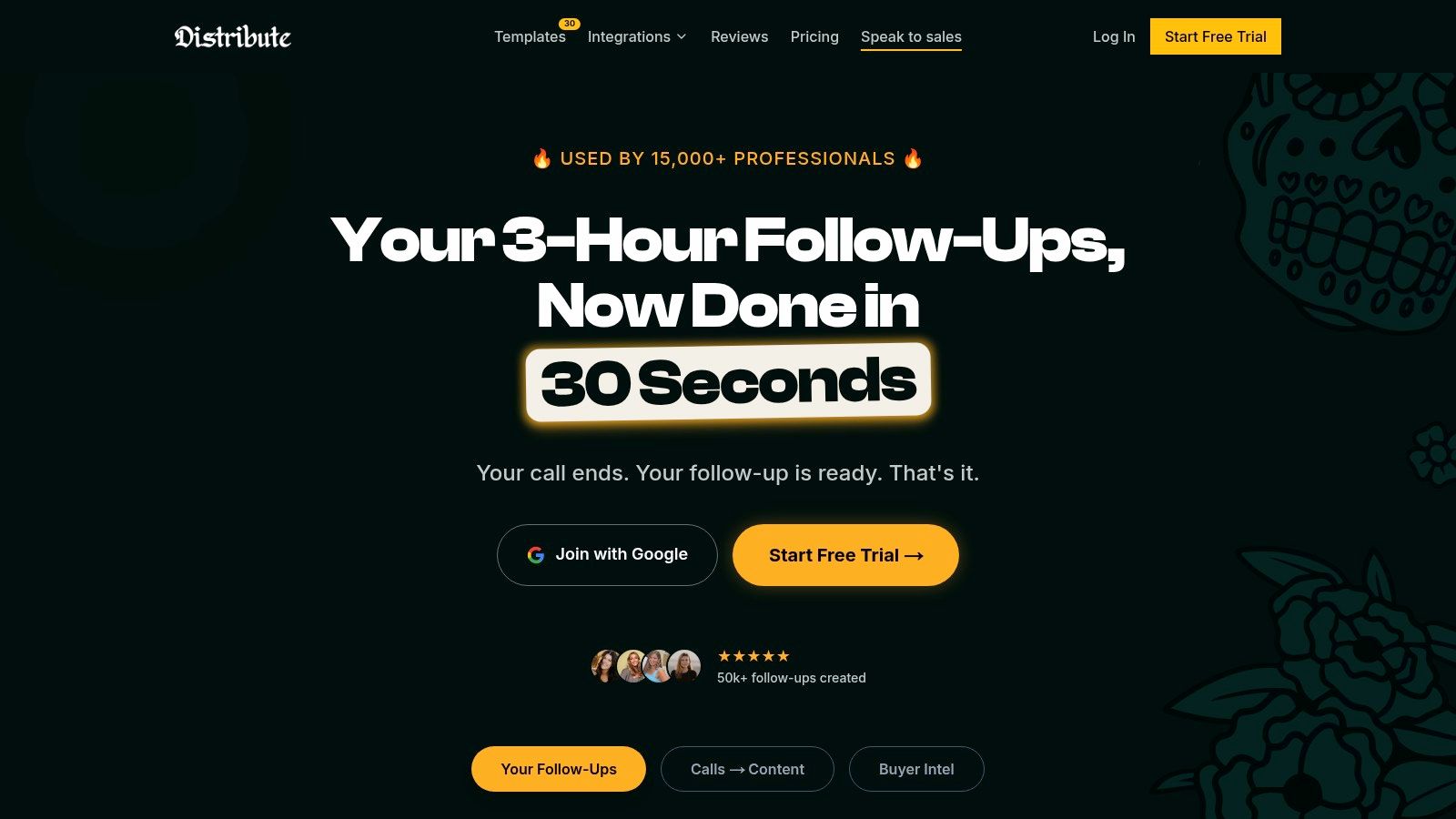
The platform is designed for action. After connecting your calendar in a quick, three-click setup, Distribute joins your calls, captures audio and screen recordings, and provides the transcript. Its core differentiator is what happens next: the AI instantly drafts follow-up emails and a comprehensive digital sales room. This centralized hub packages key resources like pricing, demos, and case studies into a single trackable link, eliminating scattered attachments.
Standout Features
- AI-Generated Deal Pages: Automatically creates a branded, single-source hub for all deal-related content, from meeting summaries to proposals.
- Real-Time Engagement Alerts: Provides crucial visibility by notifying you when prospects view specific content within the deal page, allowing for timely and relevant outreach.
- Deep Integrations: Works with Zoom, Google Meet, Salesforce, HubSpot, Gong, and Fireflies. Call activities log to the CRM. That is not full CRM sync.
- Enterprise-Grade Security: Offers SOC 2 Type II compliance, end-to-end encryption, and GDPR/CCPA readiness, making it a secure choice for organizations of any size.
Pricing
Dante is $99/mo. Cancel anytime. No trial. Nothing to install. Text Dante. Call recording with no bot in the room. Call activities log to the CRM.
Pros & Cons
Pros:
- Drastically Reduces Manual Work: Automates the entire follow-up process, with users reporting up to a 90% reduction in time spent on these tasks.
- Centralizes Buyer Communication: Replaces messy email threads with a single, trackable link that improves the buyer experience.
- Provides Actionable Insights: Engagement alerts tell you exactly what prospects care about, helping you tailor your next steps.
- Simple Onboarding: The three-click setup and intuitive interface make adoption easy for teams.
Cons:
- Requires Recording Consent: Organizations must ensure their call recording practices comply with local regulations and internal policies.
- AI Needs Human Oversight: While highly effective, the AI-generated content may require minor edits to ensure accuracy for high-stakes deals.
Website: https://www.distribute.so
2. Otter.ai
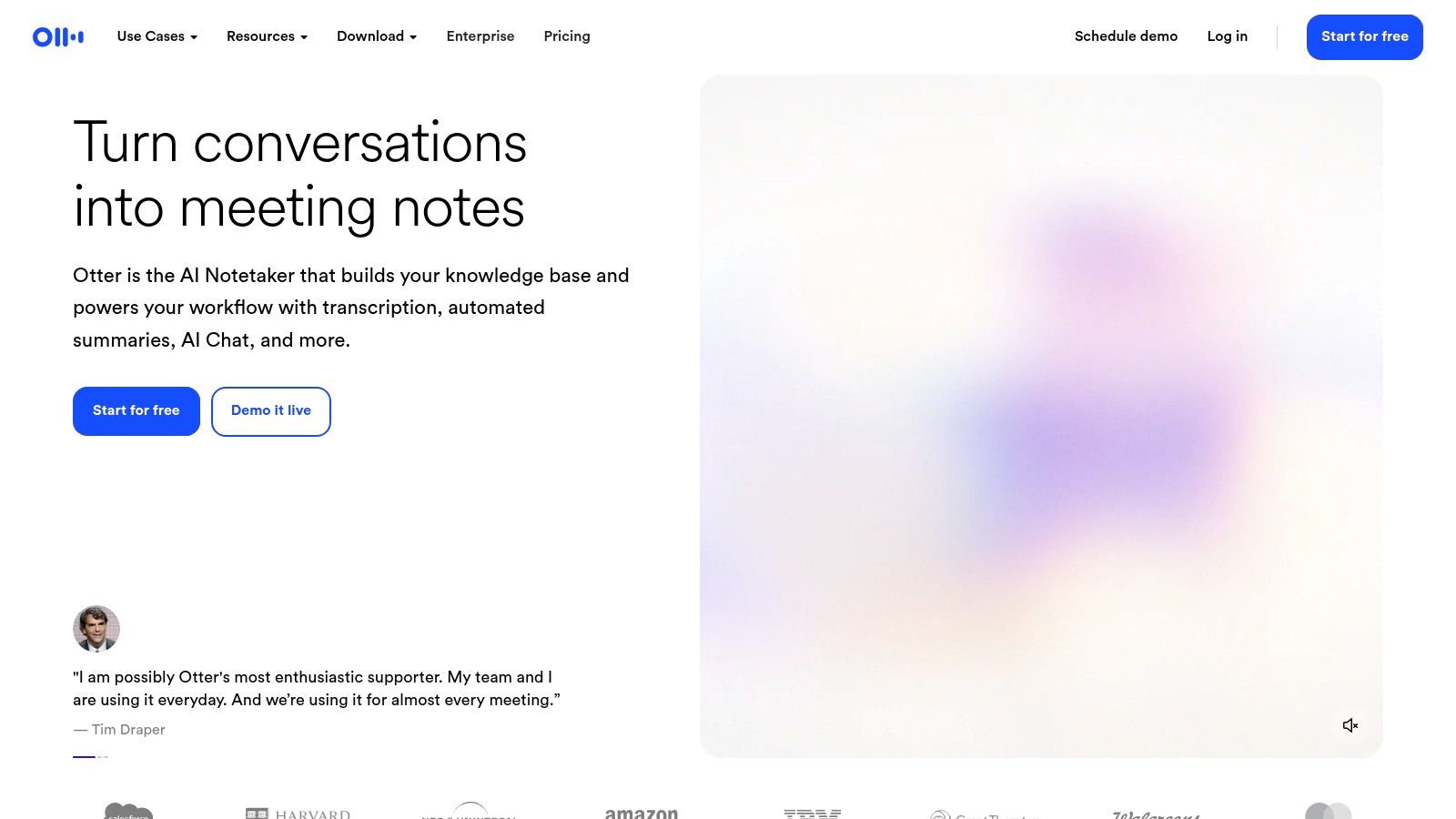
Otter.ai is a pioneer in the AI transcription space and remains one of the most reliable and user-friendly platforms available. It excels at providing real-time transcription and captions directly within Zoom, Microsoft Teams, and Google Meet calls. Its standout feature, the OtterPilot, can automatically join your scheduled meetings, record audio, capture slides, and generate a summary, even if you can't attend.
This level of automation makes it a strong contender for the best meeting transcription software for individuals and teams who need a dedicated note-taking assistant. After the call, you get a searchable transcript with identified speakers, and the AI Chat feature lets you ask questions directly about the meeting content, saving you from having to reread the entire conversation.
Key Information & Features
- Best For: Individuals, small teams, and students needing fast, accurate, and automated meeting notes.
- Pricing: Offers a free Basic plan with limited transcription minutes. Paid plans start at $16.99/user/month for Pro and $30/user/month for Business, with higher limits and more features.
- Unique Feature: The OtterPilot is a powerful AI agent that can autonomously join and document meetings on your behalf, ensuring nothing is missed.
- Integrations: Deep, native integrations with Zoom, Google Meet, and Microsoft Teams, plus Dropbox and Zapier for extended workflows.
| Feature | Availability | | ----------------------- | ------------------------------------------------ | | Live Transcription | Yes, with real-time captions | | Speaker Diarization | Yes, automatically identifies different speakers | | Integrations | Zoom, Teams, Meet, Dropbox, Zapier | | Mobile App | Yes (iOS & Android) |
Pros:
- Highly accurate English transcription and expanding language support.
- Intuitive interface that is easy for new users to navigate.
- Generous free tier for light or occasional use.
Cons:
- Advanced features like OtterPilot and higher transcription limits require a paid subscription.
- The focus is primarily on transcription and summarizing, not sales-specific workflows like deal intelligence.
Website: https://otter.ai
3. Fireflies.ai
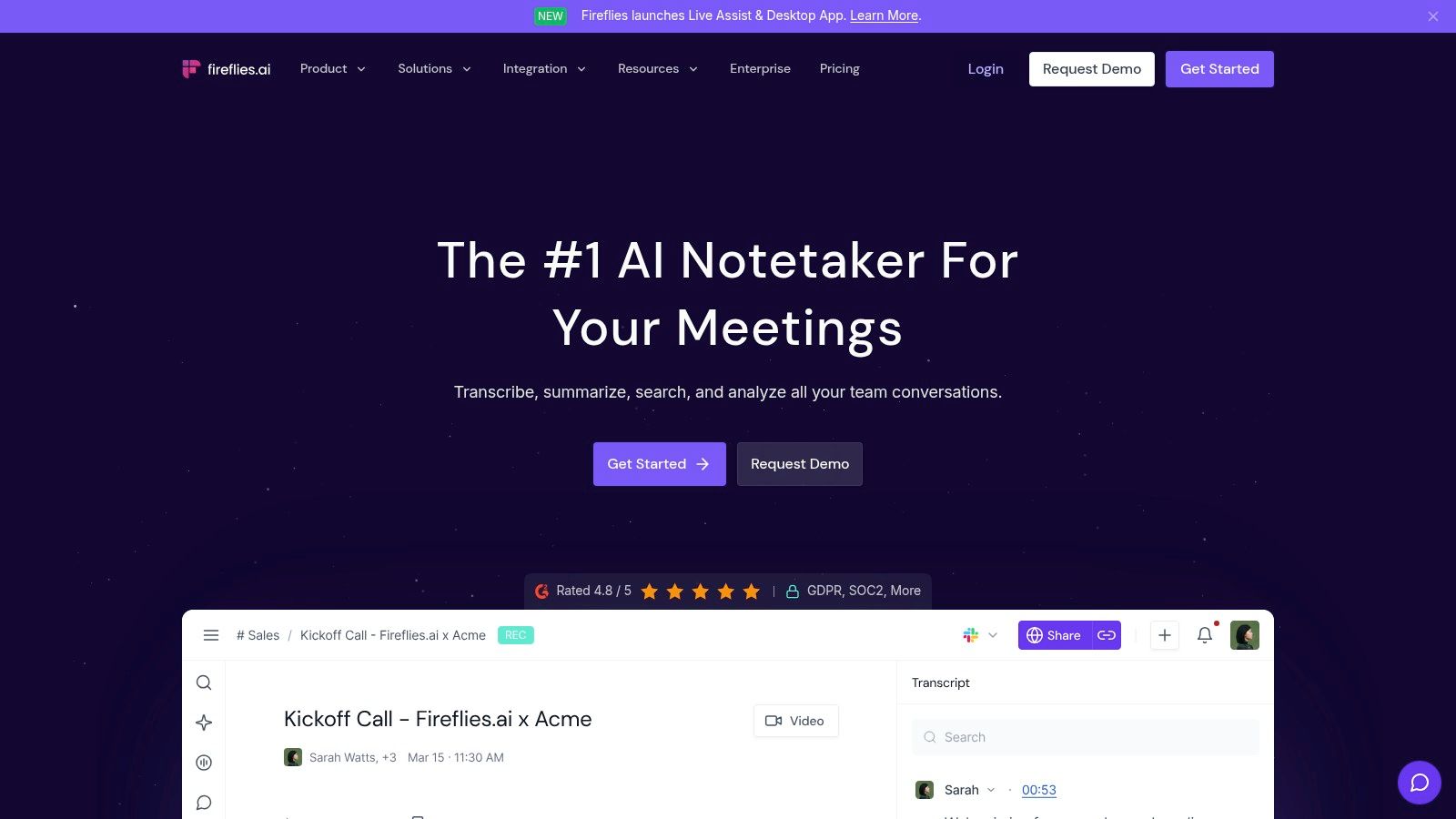
Fireflies.ai is a versatile AI meeting assistant designed to automate the entire process of note-taking and conversation intelligence. Its AI bot, Fred, automatically joins your calendar meetings across Zoom, Google Meet, and Microsoft Teams to record, transcribe, and analyze the discussion. The platform is known for its extensive integration library and its ability to centralize meeting knowledge for entire teams.
Beyond live meetings, Fireflies.ai also allows you to upload existing audio or video files for transcription, making it a flexible hub for all voice conversations. The platform provides detailed summaries, action items, and other key metrics, turning unstructured call data into organized insights.
Key Information & Features
- Best For: Teams and SMBs looking for a highly integrated transcription tool with strong analytics and unlimited transcription.
- Pricing: Offers a free tier with limited credits. Paid plans start at $18/user/month for Pro and $29/user/month for Business, with custom pricing for Enterprise.
- Unique Feature: Its Conversation Intelligence provides analytics on speaker talk time, sentiment, and topic tracking, offering deeper insights than basic transcription.
- Integrations: Connects with a huge range of apps, including major CRMs (Salesforce, HubSpot), project management tools (Asana, Trello), and communication platforms (Slack).
| Feature | Availability | | ----------------------- | ------------------------------------------------ | | Live Transcription | Yes, via an AI bot that joins the meeting | | Speaker Diarization | Yes, automatically identifies and labels speakers| | Integrations | CRMs, Slack, Asana, Zapier, and dozens more | | Mobile App | Yes (iOS & Android) |
Pros:
- Unlimited transcription and significant storage on paid plans offer great value.
- Extensive integration options allow it to fit into almost any existing workflow.
- Strong team and enterprise-level features like admin controls and SSO.
Cons:
- Some AI features, like summaries, are limited by a separate AI credit system on lower-tier plans.
- Early publicity around its growth tactics may be a point of consideration for some organizations.
Website: https://fireflies.ai
4. Rev
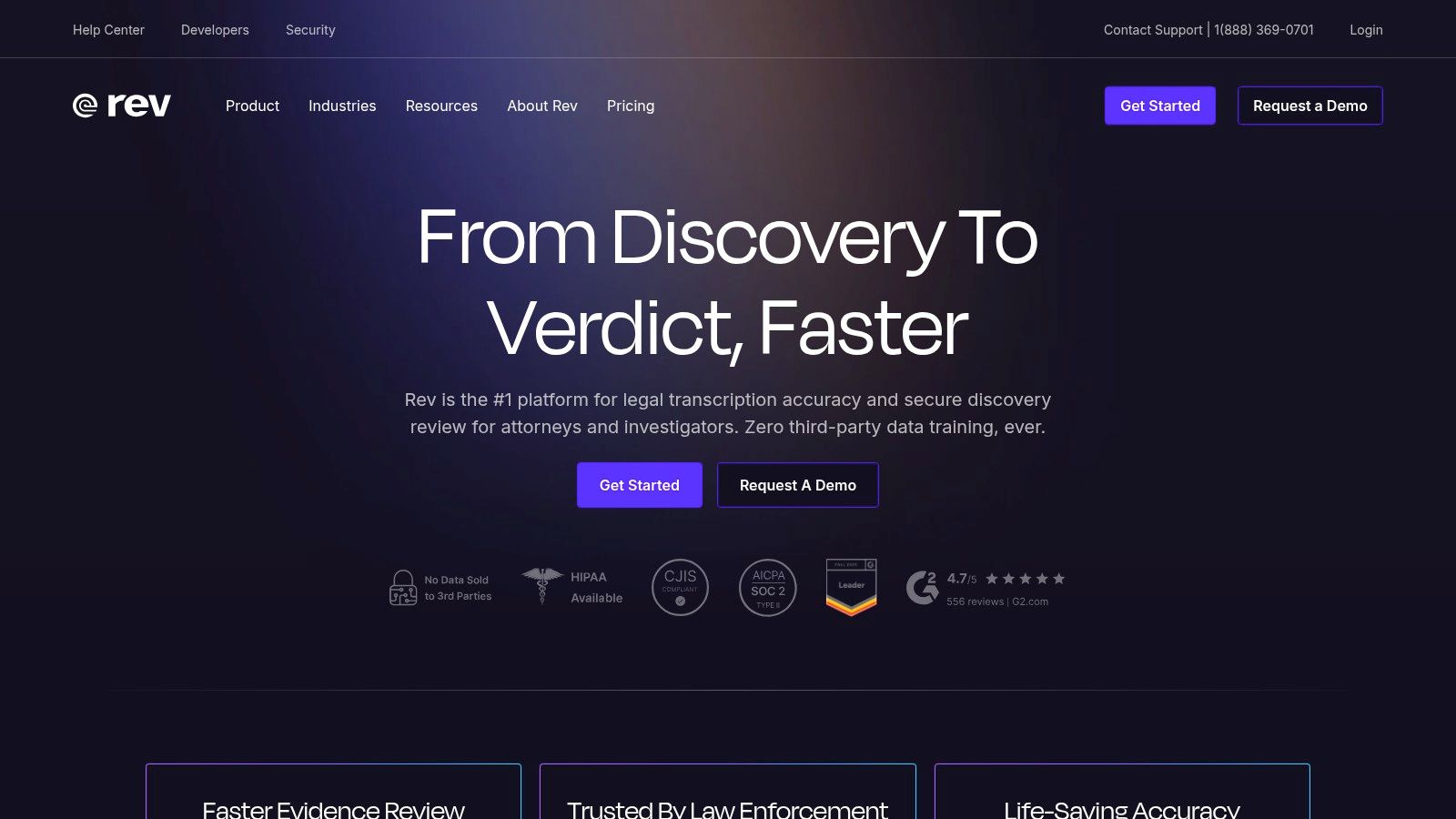
Rev offers a unique hybrid approach, combining powerful AI transcription with the option of human-powered services for unparalleled accuracy. While known for its per-minute audio and video file transcription, Rev also provides a Meeting Notetaker that integrates directly with Zoom, Microsoft Teams, and Google Meet to capture your conversations in real time. This flexibility makes it an excellent choice for teams that need both speed and guaranteed precision.
The platform is ideal for situations where transcripts are used for legal, compliance, or high-stakes client presentations where near-perfect accuracy is non-negotiable. With its straightforward pay-as-you-go model for many services, Rev stands out as one of the best meeting transcription software options for businesses that prefer not to commit to a monthly subscription or have fluctuating transcription needs.
Key Information & Features
- Best For: Teams needing a mix of AI speed and human accuracy, especially for legal, academic, or high-value client interactions.
- Pricing: AI transcription starts at $0.25/minute. The Meeting Notetaker is included in Rev Max, which offers a free plan and a $29.99/user/month paid plan. Human transcription starts at $1.50/minute.
- Unique Feature: The blend of automated AI and professional human transcription services within a single platform, allowing users to choose the right level of accuracy for each specific task.
- Integrations: Direct integrations with Zoom, Microsoft Teams, and Google Meet for its notetaker, plus an API for custom workflows.
| Feature | Availability | | ----------------------- | ------------------------------------------------- | | Live Transcription | Yes, via the Meeting Notetaker | | Speaker Diarization | Yes, available with both AI and human services | | Integrations | Zoom, Teams, Meet, API | | Mobile App | Yes (iOS & Android) for recording and ordering |
Pros:
- Simple, transparent per-minute pricing for one-off projects.
- Human transcription service delivers exceptional accuracy (99%).
- Strong security protocols suitable for enterprise and sensitive data.
Cons:
- Human-powered transcripts are significantly more expensive and have a longer turnaround time than AI.
- AI features and transcription minutes on the free Rev Max plan are limited.
Website: https://www.rev.com
5. Zoom AI Companion (Zoom Workplace)
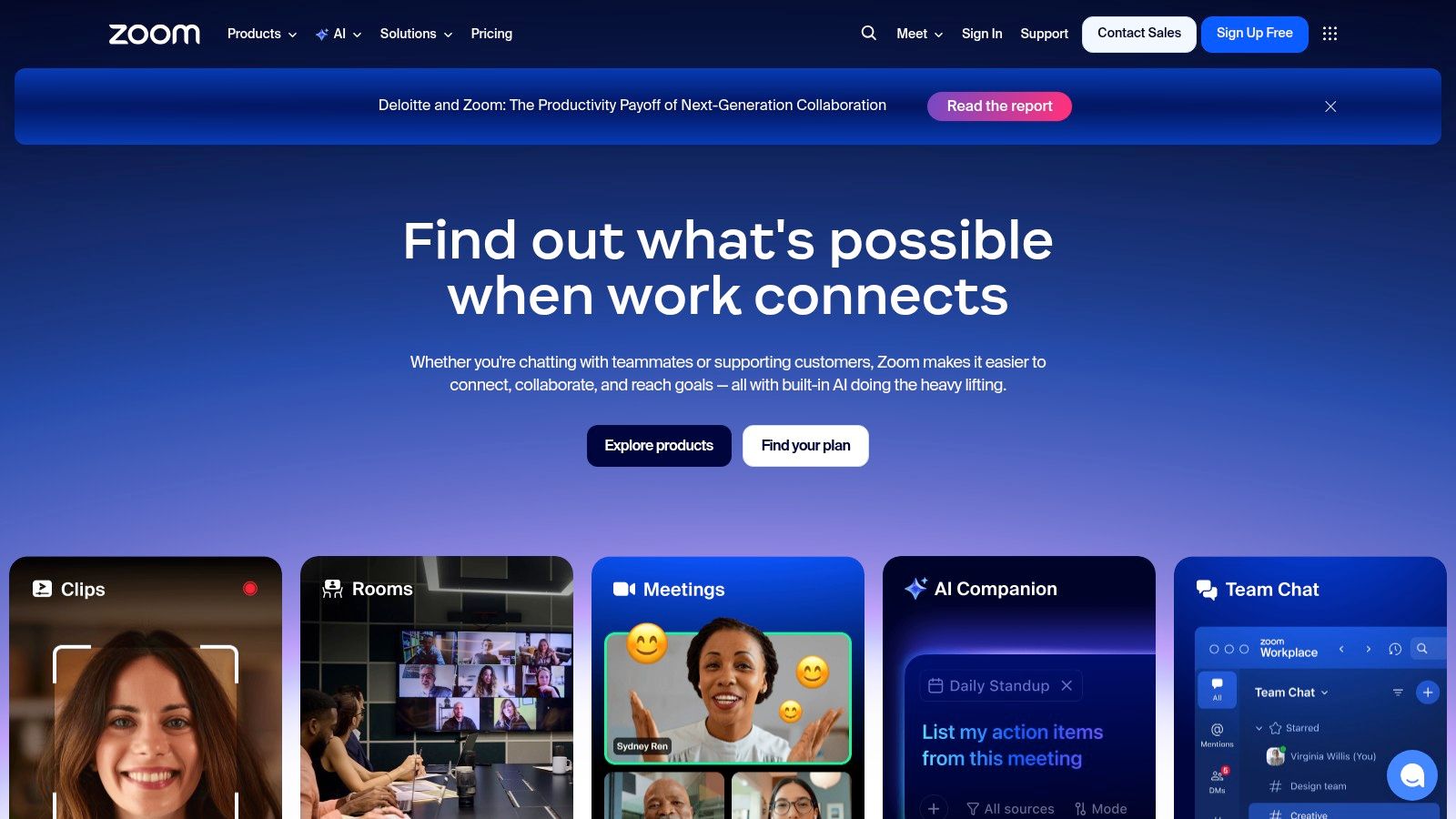
For teams already living inside the Zoom ecosystem, the Zoom AI Companion offers a compelling and seamless transcription experience. Built directly into the platform, it eliminates the need for third-party bots or integrations, providing in-meeting summaries, live transcription, and post-meeting action items without ever leaving the Zoom client. This native approach makes it one of the most convenient options for the best meeting transcription software if Zoom is your primary communication tool.
The AI Companion can automatically generate meeting notes, highlight key takeaways, and even help you catch up if you join a meeting late by asking questions directly in the chat. Its core value lies in its frictionless integration; enabling transcription and summaries is as simple as flipping a switch in your account settings, making it instantly accessible for users on paid plans.
Key Information & Features
- Best For: Businesses and teams that conduct the majority of their meetings on Zoom and want a native, all-in-one solution.
- Pricing: Core AI Companion features are included at no additional cost with paid Zoom Workplace plans. A Custom AI Companion add-on is available for advanced customization.
- Unique Feature: The deep, in-meeting query capability allows users to ask the AI Companion questions about the ongoing discussion in real-time without interrupting the flow.
- Integrations: Natively integrated with the entire Zoom Workplace suite (Team Chat, Mail, Calendar, etc.).
| Feature | Availability | | ----------------------- | ------------------------------------------------ | | Live Transcription | Yes, with in-meeting summaries | | Speaker Diarization | Yes, identifies speakers from the Zoom meeting | | Integrations | Native to the Zoom ecosystem | | Mobile App | Yes (via the main Zoom app) |
Pros:
- No extra cost for core features if you already have a paid Zoom account.
- Completely seamless user experience with no need for third-party bots or setup.
- The feature set is rapidly expanding with each Zoom platform update.
Cons:
- Primarily valuable for meetings hosted on Zoom; it's not a solution for other platforms.
- Advanced customization and more powerful features may require the paid Custom AI Companion add-on.
Website: https://zoom.us
6. Microsoft Teams (Microsoft 365)
For organizations deeply embedded in the Microsoft ecosystem, the built-in transcription features within Microsoft Teams offer a seamless and secure solution. Instead of relying on a third-party app, Teams provides live captions during meetings and generates a full, speaker-attributed transcript afterward. This native integration ensures that all meeting data remains within your organization's Microsoft 365 tenant, simplifying security, compliance, and data retention policies.
This makes it one of the best meeting transcription software choices for enterprises that prioritize centralized administration and data governance. The transcript is directly accessible within the meeting event in your Teams calendar or chat, making it easy to review key points without leaving the platform. For developers, Microsoft Graph APIs also allow for programmatic access to transcripts and recordings, enabling custom integrations with other business systems.

Key Information & Features
- Best For: Enterprises and businesses already using Microsoft 365 who need a secure, integrated transcription solution without adding another vendor.
- Pricing: Included with most Microsoft 365 Business and Enterprise plans. API access for transcripts may incur additional per-minute costs.
- Unique Feature: Its native integration within the Microsoft 365 environment, providing unparalleled security, compliance controls, and centralized administration.
- Integrations: Natively integrated with the entire Microsoft 365 suite (Outlook, SharePoint, etc.). Further custom workflows are possible via Power Automate and Microsoft Graph APIs.
| Feature | Availability | | ----------------------- | ---------------------------------------------------------------- | | Live Transcription | Yes, with live captions | | Speaker Diarization | Yes, automatically attributes transcript lines to speakers | | Integrations | Natively integrated with the entire Microsoft 365 ecosystem | | Mobile App | Yes (iOS & Android) |
Pros:
- Excellent for organizations with strict security and compliance requirements.
- No additional software is needed; it works directly within the Teams client.
- Centralized administration through the Microsoft 365 admin center.
Cons:
- Lacks the advanced AI summarization and analysis features of dedicated tools.
- Feature availability and quality can vary depending on your specific Microsoft 365 license.
Website: https://www.microsoft.com/en-us/microsoft-teams
7. Google Meet (Google Workspace with Gemini features)
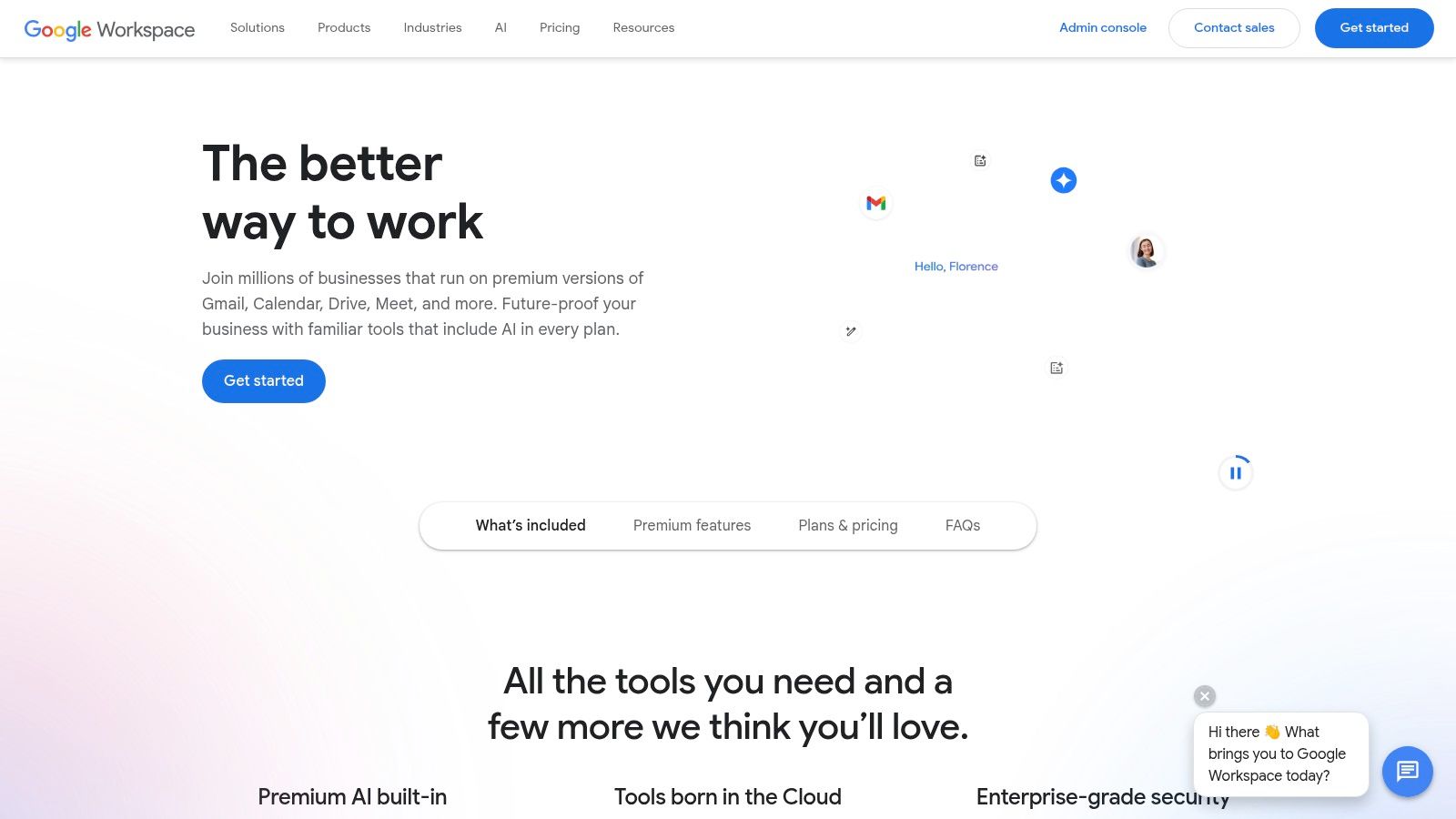
For teams already embedded in the Google ecosystem, Google Meet's native transcription and AI features offer a seamless and cost-effective solution. With the integration of Gemini for Workspace, Google Meet can provide live transcriptions and automatically generate detailed meeting notes and summaries directly after a call. This functionality is built directly into the platform, eliminating the need for a third-party tool.
The primary advantage is its deep integration with Google Docs, Drive, and Calendar. Transcripts and summaries are easily saved, shared, and searched within the familiar Google environment, making it an excellent choice for organizations that prioritize a unified tech stack. This makes it one of the best meeting transcription software options for those who want to avoid additional software overhead.
Key Information & Features
- Best For: Businesses and teams heavily invested in the Google Workspace ecosystem who need a built-in, no-fuss transcription solution.
- Pricing: Transcription features are available on Google Workspace Business Standard plans and above, starting at $12/user/month. Gemini AI features are included in various premium plans.
- Unique Feature: The seamless, native integration with Google Docs and Drive for automatic saving and sharing of transcripts and AI-generated summaries.
- Integrations: Natively integrates with the entire Google Workspace suite, including Calendar, Gmail, Drive, and Docs.
| Feature | Availability | | ----------------------- | ---------------------------------------------------------------- | | Live Transcription | Yes, on supported Business plans | | Speaker Diarization | Yes, transcripts identify who was speaking | | Integrations | Deeply integrated with the entire Google Workspace ecosystem | | Mobile App | Yes (iOS & Android) |
Pros:
- No third-party app is required, providing a frictionless user experience.
- Familiar Google interface and easy sharing and storage in Google Drive.
- Cost-effective for teams already paying for qualifying Workspace plans.
Cons:
- Transcription is not available on free personal accounts or the Business Starter plan.
- Lacks the advanced sales-specific analytics and CRM integrations found in dedicated tools.
Website: https://workspace.google.com
8. Fathom
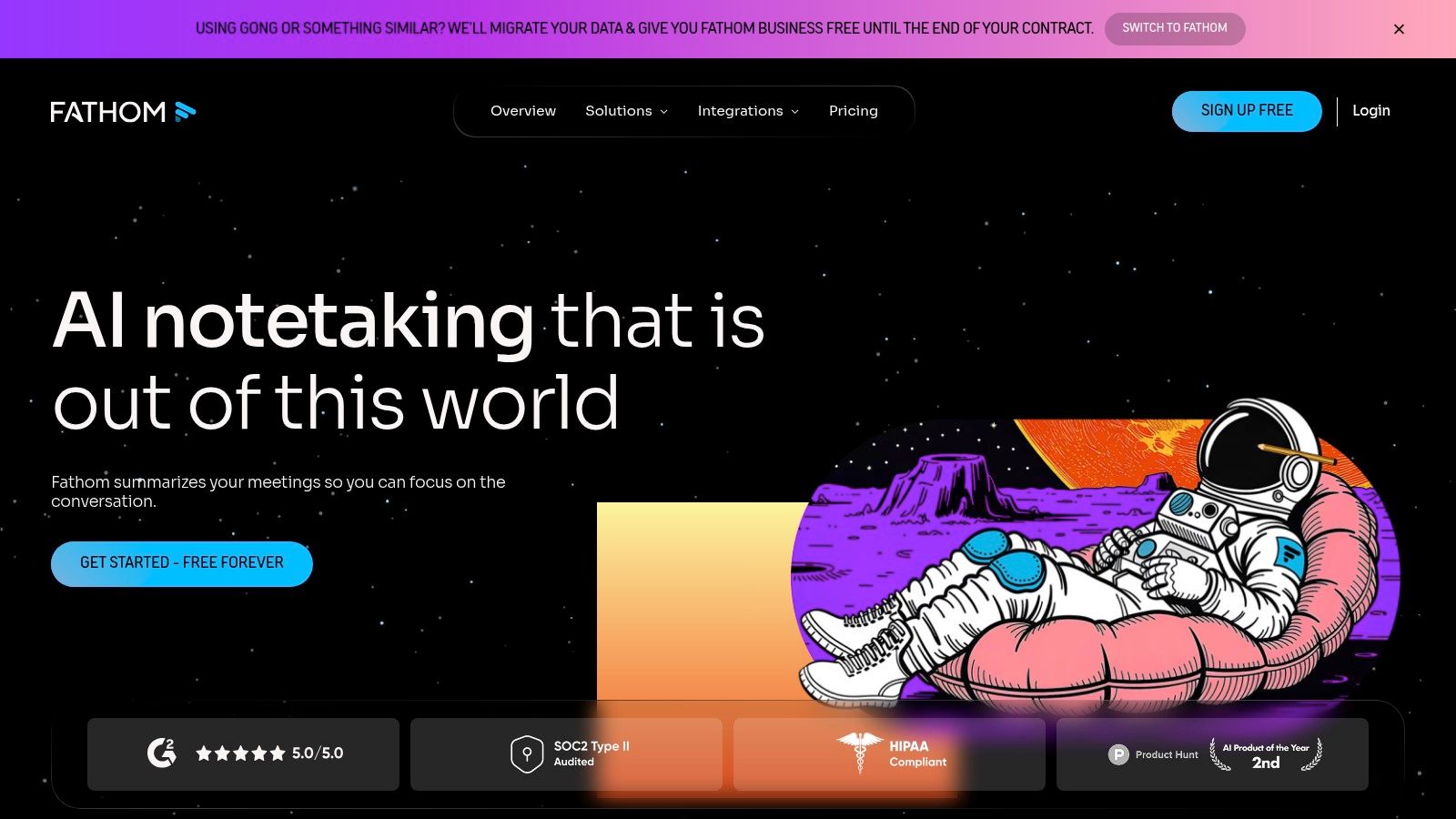
Fathom is a powerful meeting assistant renowned for its generous free plan, making high-quality AI transcription and summarization accessible to everyone. It integrates seamlessly with Zoom, Microsoft Teams, and Google Meet to automatically record, transcribe, and generate insightful summaries of your conversations. The platform highlights key moments, generates action items, and syncs notes directly to your CRM.
This makes Fathom an excellent choice for individuals and small teams looking for one of the best meeting transcription software solutions without an immediate financial commitment. It supports over 25 languages and offers features like customizable summary templates and a conversational AI assistant, "Ask Fathom," that can answer questions about your call content. For sales teams, this means instant call notes pushed to Salesforce or HubSpot, saving significant administrative time.
Key Information & Features
- Best For: Individuals, freelancers, and sales teams needing a feature-rich free tool with a clear upgrade path for team collaboration.
- Pricing: Offers a robust free Standard plan. The paid Team Edition starts at $32/user/month and adds centralized management, team libraries, and advanced analytics.
- Unique Feature: The generous free tier provides unlimited recording and transcription, a feature that many competitors place behind a paywall.
- Integrations: Strong integrations with Salesforce, HubSpot, Close, Slack, Asana, and Zapier for streamlined workflows.
| Feature | Availability | | ----------------------- | ------------------------------------------------ | | Live Transcription | Yes, with real-time recording and note-taking | | Speaker Diarization | Yes, automatically identifies speakers | | Integrations | CRMs (Salesforce, HubSpot), Slack, Asana, Zapier | | Mobile App | No dedicated mobile app |
Pros:
- Extremely capable free plan for individual users.
- Modern, clean interface that is easy to navigate.
- Excellent CRM and workflow integrations for sales and productivity.
Cons:
- Advanced team features like searching across all team calls require the paid plan.
- Some of the newest AI features may be metered or limited on the free tier.
Website: https://fathom.video
9. Grain
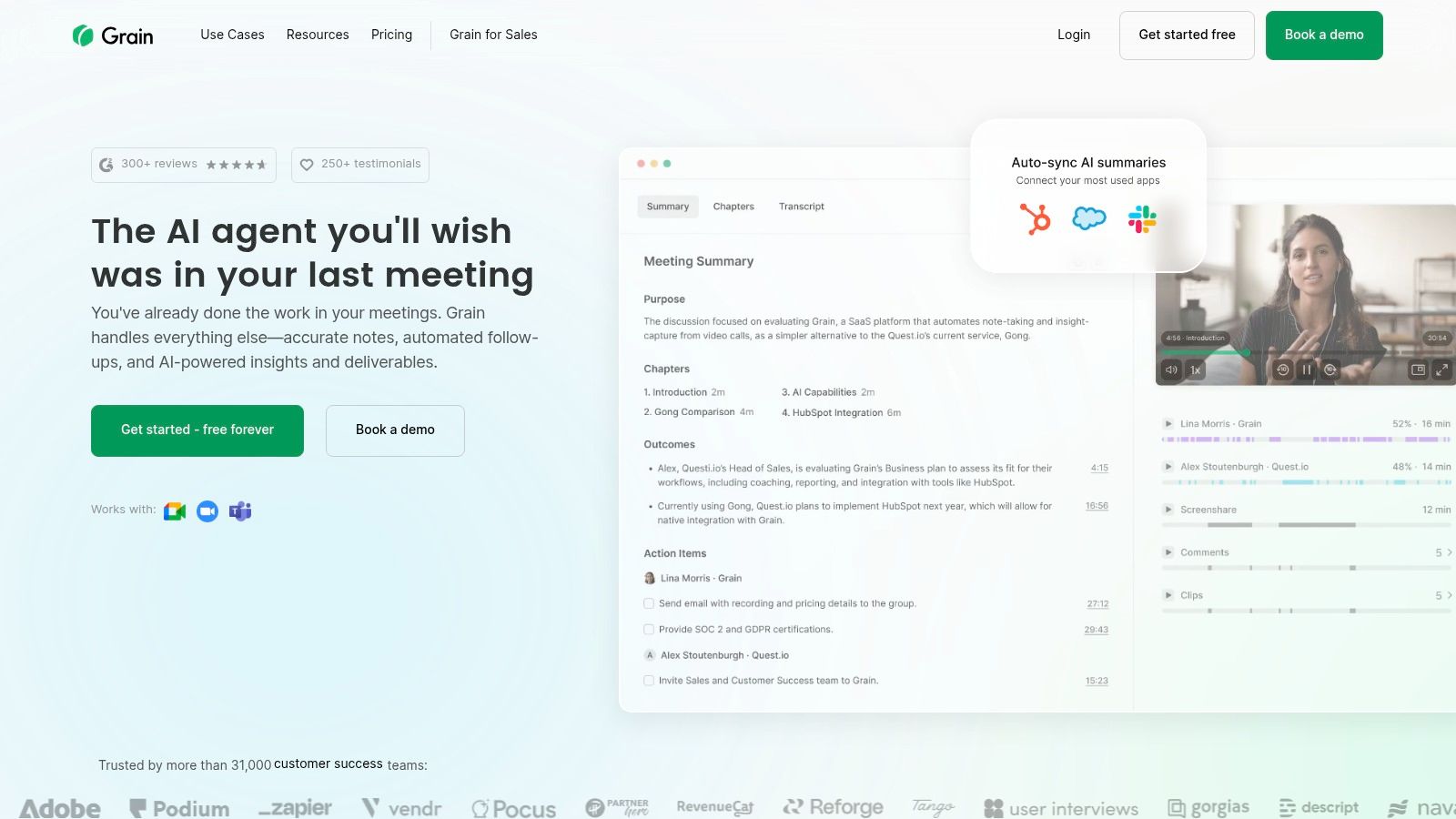
Grain is a powerful AI meeting tool designed specifically for customer-facing teams, such as sales, research, and customer success. It goes beyond simple transcription by allowing users to capture, share, and analyze key moments from video meetings. Its standout capability is creating "Highlights"—short, shareable video clips from calls that can be used for coaching, product feedback, or sending compelling follow-ups to prospects.
This focus on creating and sharing insights makes Grain one of the best meeting transcription software options for teams that need to collaborate around customer conversations. The platform automatically transcribes meetings, identifies action items, and generates AI summaries, then syncs this crucial data directly into CRMs like HubSpot and Salesforce. This helps close the loop between conversation and action, ensuring valuable customer intelligence isn't lost.
Key Information & Features
- Best For: Sales, product, and customer research teams who need to share video highlights and sync key insights with their CRM.
- Pricing: Offers a generous free plan with unlimited transcriptions and storage (with recording duration limits). The Business plan is $24/user/month and unlocks unlimited duration, CRM integrations, and advanced features.
- Unique Feature: The ability to create and share Highlight clips and playlists from meetings, transforming conversations into actionable assets for training and sales follow-ups.
- Integrations: Native integrations with Zoom, Google Meet, Microsoft Teams, Slack, HubSpot, and Salesforce.
| Feature | Availability | | ----------------------- | ------------------------------------------------ | | Live Transcription | Yes, with in-meeting notes and highlights | | Speaker Diarization | Yes, automatically identifies speakers | | Integrations | Zoom, Teams, Meet, Slack, Salesforce, HubSpot | | Mobile App | No |
Pros:
- Excellent for creating and sharing video clips of key meeting moments.
- Strong focus on sales and product workflows with deep CRM integrations.
- Generous free plan allows for unlimited transcription and storage with some limits.
Cons:
- Advanced analytics and uploading external recordings are limited to paid tiers.
- Lacks a dedicated mobile application for on-the-go access.
Website: https://grain.com
10. Descript
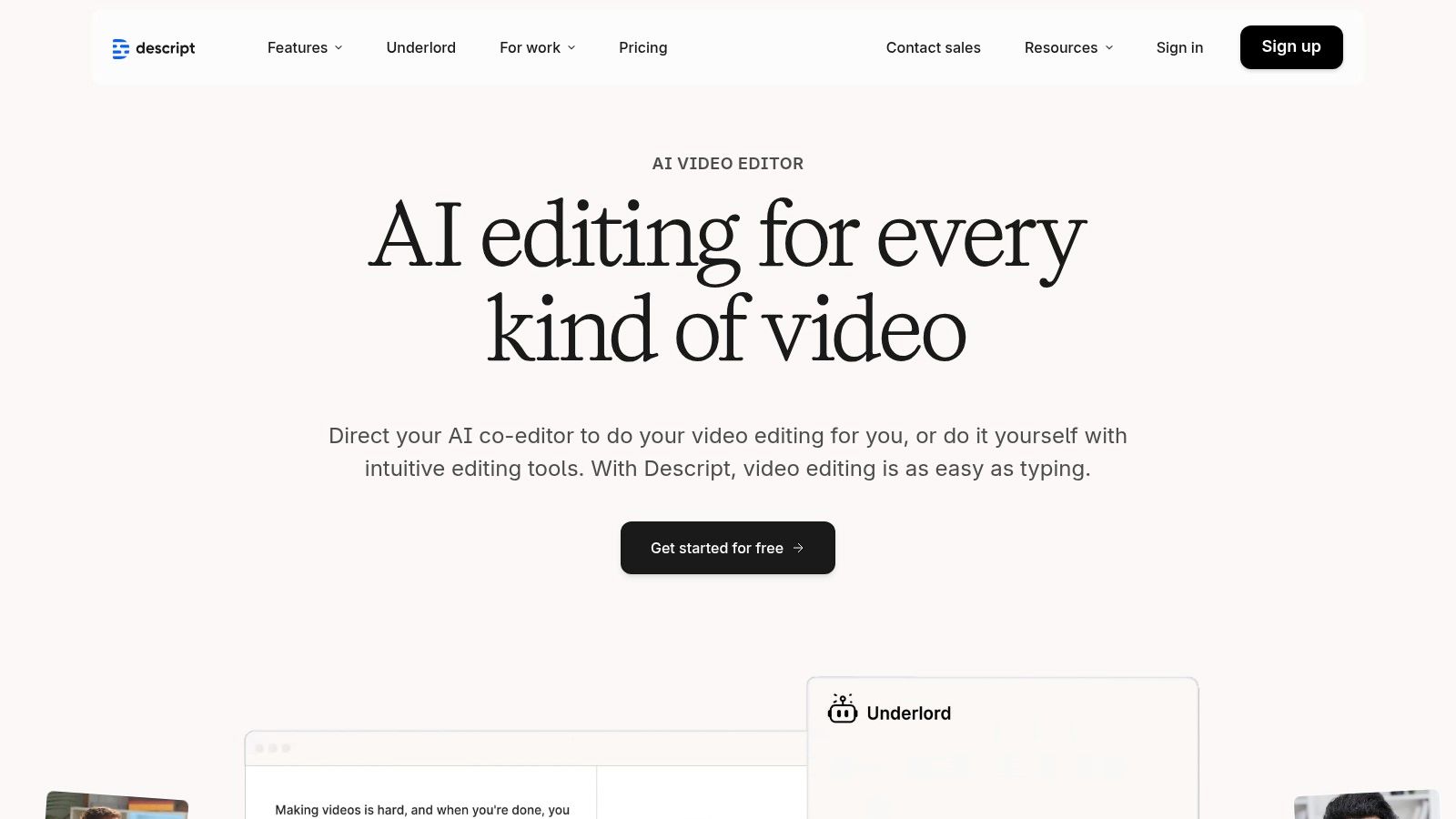
Descript takes a unique approach to transcription by treating your audio and video files like text documents. While not a live meeting bot, it is an exceptionally powerful tool for editing and repurposing pre-recorded meetings. You simply upload your meeting recording, and Descript generates an accurate, speaker-labeled transcript that you can edit directly. Deleting a word in the text removes it from the audio or video, making it incredibly easy to clean up conversations, remove filler words, and create highlight clips for training or marketing.
This makes Descript the best meeting transcription software for teams that turn sales calls and webinars into content. Its strength lies in post-meeting production, allowing you to seamlessly create social media clips, training materials, or polished client-facing summaries from your raw recordings. The platform combines a high-quality transcriber with a full-featured video and audio editor, eliminating the need for multiple tools.
Key Information & Features
- Best For: Content creators, marketing teams, and sales enablement professionals who repurpose meeting recordings into polished assets.
- Pricing: Offers a free plan with 1 hour of transcription per month. Paid plans start at $15/user/month for Creator and $30/user/month for Pro, with custom Enterprise pricing available.
- Unique Feature: Its text-based audio and video editing is a game-changer, allowing users to edit complex media as easily as editing a word document.
- Integrations: Connects with various hosting platforms like YouTube and Wistia, cloud storage like Dropbox, and workflow tools like Zapier.
| Feature | Availability | | ----------------------- | ------------------------------------------------ | | Live Transcription | No, designed for post-meeting uploads | | Speaker Diarization | Yes, with automatic and manual speaker labels | | Integrations | YouTube, Wistia, Dropbox, Zapier, SquadCast | | Mobile App | No, desktop and web application only |
Pros:
- Combines powerful transcription with professional-grade media editing in one platform.
- Excellent at removing filler words ("um," "uh") with a single click.
- SOC 2 Type II compliance provides strong security for enterprise needs.
Cons:
- Not designed for live meeting transcription; it requires you to upload a recording.
- Collaboration features are less focused on real-time meeting analysis compared to dedicated AI notetakers.
Website: https://www.descript.com
11. Notta
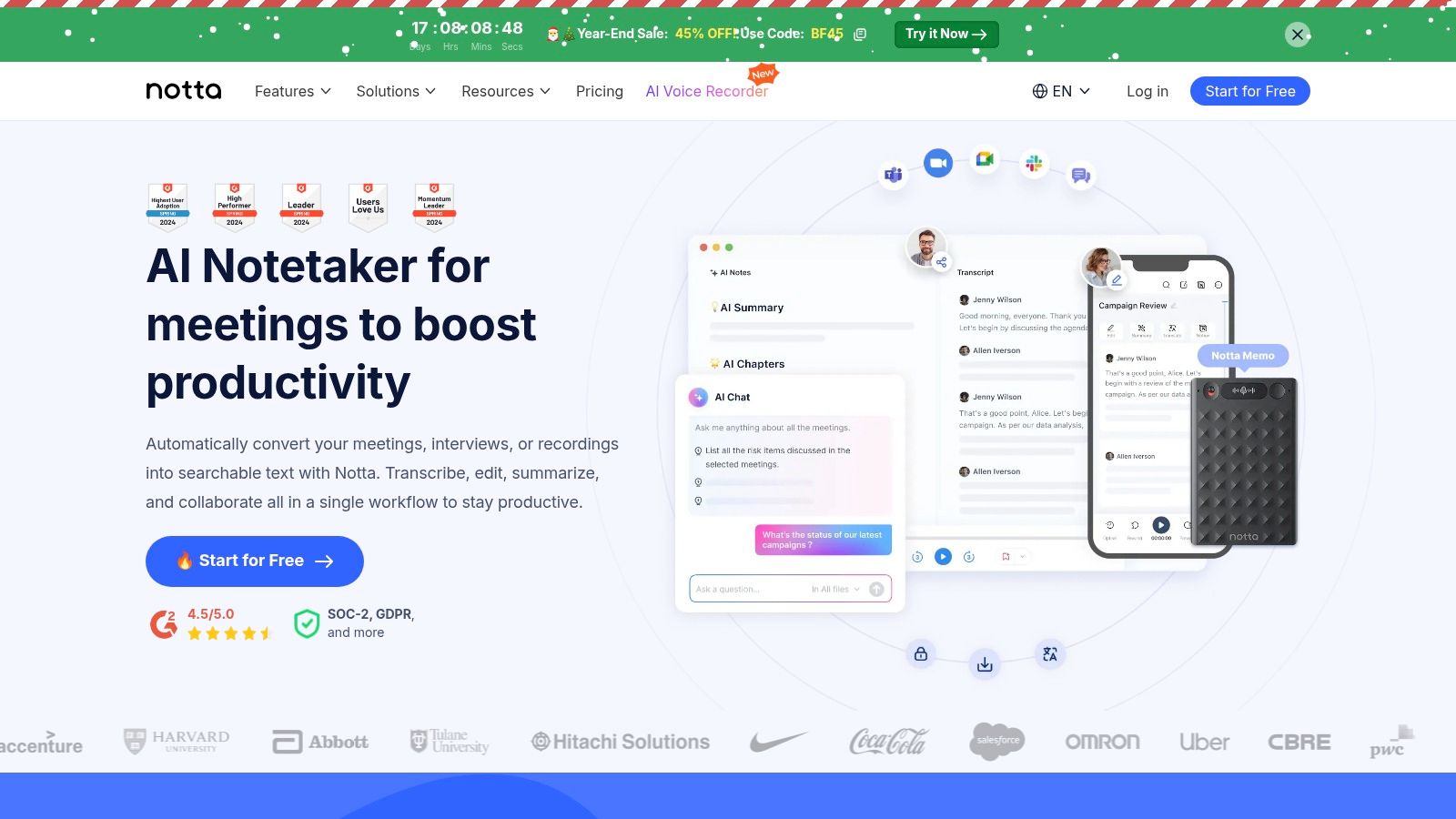
Notta is a versatile, cross-platform meeting recorder and transcriber designed for high-volume users and international teams. It integrates smoothly with major platforms like Zoom, Teams, and Webex, offering real-time transcription and a powerful AI summarization engine that can be customized with templates. Its standout capability lies in its robust multi-language support and translation features, making it an excellent choice for global organizations.
This platform positions itself as some of the best meeting transcription software for businesses that need to manage transcription at scale. With features like admin controls, SSO, and even IP restrictions on its enterprise plan, Notta provides the security and management tools necessary for larger teams. The platform also offers a Chrome extension and mobile apps, ensuring you can capture and transcribe conversations from virtually anywhere.
Key Information & Features
- Best For: Global teams and businesses requiring unlimited transcription, multi-language support, and advanced administrative controls.
- Pricing: Offers a free plan with limits. The Pro plan is $13.99/user/month, and the Business plan is $59/user/month, offering unlimited minutes.
- Unique Feature: The Business plan offers unlimited transcription minutes per seat, a rare feature that is ideal for heavy users like sales teams or researchers.
- Integrations: Connects with Zoom, Microsoft Teams, Google Meet, Webex, Salesforce, Notion, and Google Calendar.
| Feature | Availability | | ----------------------- | ---------------------------------------------------------------- | | Live Transcription | Yes, for all major video conferencing platforms | | Speaker Diarization | Yes, identifies speakers in the transcript | | Integrations | Salesforce, Notion, Zoom, Teams, Meet, Webex | | Mobile App | Yes (iOS & Android) |
Pros:
- Business plan provides unlimited transcription minutes per user.
- Strong multi-language transcription and translation capabilities.
- Offers broad integrations and collaboration features for team workflows.
Cons:
- The free and Pro plans have strict limits on recording length and the number of uploads.
- The interface and feature quotas can differ significantly between plans, requiring careful review before purchasing.
Website: https://www.notta.ai
12. tl;dv
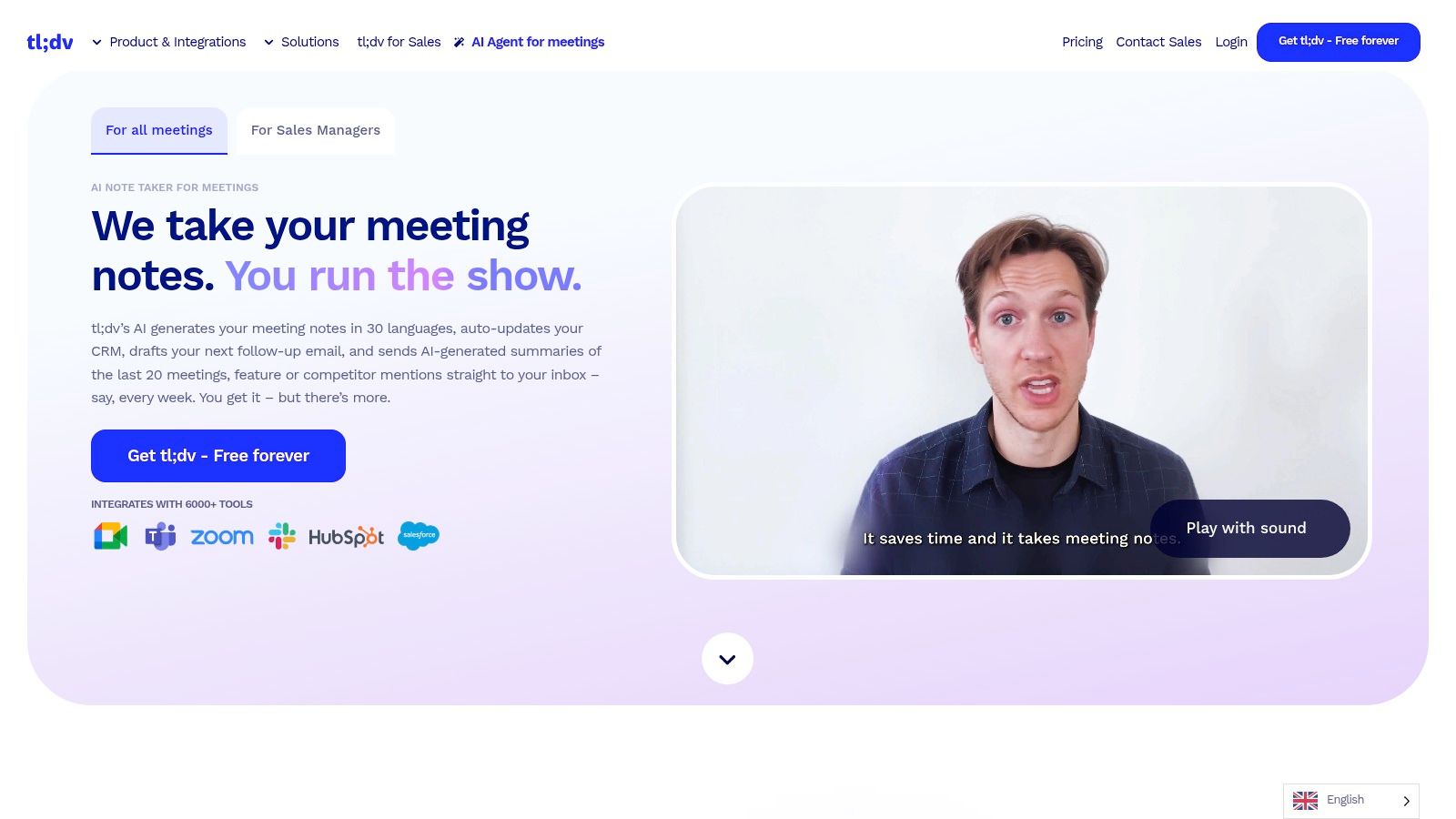
tl;dv is an AI notetaker that stands out with its powerful multilingual capabilities and a remarkably generous free plan. It integrates with Zoom, Google Meet, and Microsoft Teams to provide AI-generated summaries, notes, and transcripts in over 30 languages. Its focus on creating shareable video clips and timestamps directly from the call makes it an excellent tool for sales, customer success, and user research teams who need to share specific moments with stakeholders.
The platform's free-forever plan, which includes unlimited meeting recordings and transcripts, makes it one of the most accessible options for teams on a budget. As you move to paid tiers, tl;dv unlocks advanced features like multi-meeting reports and deeper CRM integrations, positioning it as a strong contender for the best meeting transcription software for global teams who need to analyze conversations across multiple languages and deals.
Key Information & Features
- Best For: Global sales and customer-facing teams needing multilingual transcription and shareable meeting highlights.
- Pricing: Offers a free-forever plan with unlimited recordings. Paid plans start at $25/user/month for Pro, with custom pricing for Enterprise.
- Unique Feature: Strong support for over 30 languages for transcription and summaries, along with GDPR and SOC 2 compliance.
- Integrations: Extensive list including Salesforce, HubSpot, Slack, Notion, Jira, and more.
| Feature | Availability | | ----------------------- | ------------------------------------------------ | | Live Transcription | Yes, with AI summaries | | Speaker Diarization | Yes, automatically identifies speakers | | Integrations | Salesforce, HubSpot, Slack, Notion, Jira, etc. | | Mobile App | No |
Pros:
- Free-forever plan with unlimited meeting recordings and transcripts.
- Excellent multilingual support makes it ideal for international teams.
- Broad integration library connects with popular CRM and productivity tools.
Cons:
- Lacks a dedicated mobile application for on-the-go access.
- Advanced analytics and multi-meeting reports are reserved for higher-tier paid plans.
Website: https://tldv.io
Top 12 Meeting Transcription Tools — Feature Comparison
| Product | Core Features | Quality | Price & Value | Target Audience | Unique Selling Points | |---|---|---|---|---|---| | Distribute (Dante) | No-bot record + transcript; AI follow-ups; deal workspace from the call | Built for sellers | $99/mo, cancel anytime, no trial | Anyone who sells | Text Dante. iMessage. Nothing to install. | | Otter.ai | Live transcription, speaker ID, summaries, auto-join | Very Good (accurate realtime) | Free tier; clear individual/team plans | Individuals, meeting-heavy teams | Real-time captions, meeting chat & note workflows | | Fireflies.ai | Bot join/record, transcripts, AskFred, team analytics | Very Good (broad integrations) | Competitive seat pricing; unlimited on paid tiers | SMBs, ops & enablement teams | Team analytics, CRM/Slack workflows, enterprise controls | | Rev | AI + human transcription; meeting notetaker; editor & glossary | Very Good (human accuracy option) | Pay-as-you-go per minute; higher for human transcripts | Legal, research, ad-hoc high-accuracy needs | Human transcripts, near-verbatim editor, multi-language AI option | | Zoom AI Companion | Native summaries, live notes, transcription & in-meeting automation | Very Good (native UX) | Included in paid Zoom Workplace; add-ons extra | Zoom-centric orgs & admins | Tight in-meeting experience + recorder & automation | | Microsoft Teams (M365) | Live captions, post-meeting transcripts, Graph APIs | Very Good (enterprise grade) | Included with M365 (sku-dependent) | Enterprises using Microsoft 365 | Centralized admin, retention, strong compliance | | Google Meet (Gemini) | Live transcripts, Gemini AI summaries, Docs/Drive integration | Very Good (integrated experience) | Included in Business Workspace plans | Google Workspace customers | Gemini AI notes + seamless Drive/Docs flow | | Fathom | Recording, AI summaries/action items, team libraries | Very Good (very capable free tier) | Generous free plan; paid team upgrades | Individuals, sales reps, coaches | Free tier, Ask assistant, CRM & coaching workflows | | Grain | AI notes, highlight clips/playlists, CRM sync | Very Good (sales-focused) | Free plan with limits; per-seat pricing | Sales & research teams | Clip/playlist creation, HubSpot/SFDC syncing | | Descript | Transcription + text-based audio/video editing & captions | Very Good (pro editing tools) | Media-minutes model; flexible quotas | Content creators, editors, post-meeting producers | Text-based editing, filler removal, AI voice tools | | Notta | Live transcription, translations, templates, admin controls | Very Good (multilingual focus) | Business plan = unlimited per seat | Multilingual teams, global ops | Strong translation, IP/SSO controls, templates | | tl;dv | AI summaries, multilingual transcripts, multi-meeting reports | Very Good (free recordings) | Free-forever recordings; paid analytics | Sales & customer success teams | Unlimited free recordings, Ask-AI queries, CRM workflows |
Making Your Final Decision: From Transcription to Action
Navigating the landscape of the best meeting transcription software can feel overwhelming, but the right choice becomes clear when you define your primary goal. Throughout this guide, we've explored a dozen powerful platforms, each with unique strengths, from the human-powered accuracy of Rev to the seamless ecosystem integration of Zoom AI Companion and Microsoft Teams.
The core takeaway is that modern transcription tools offer far more than just a text-based record of your conversations. They are evolving into intelligent assistants that can summarize key points, identify action items, and provide deep insights into your sales calls and client meetings. Your decision hinges on a simple question: Do you need a tool for passive documentation or a platform for active acceleration?
How to Choose the Right Tool for Your Team
To make your final selection, consider your team's specific workflow and objectives. Break down your needs into these key categories:
- For pure transcription and note-taking: If your primary need is a reliable, searchable archive of your meetings for internal reference, compliance, or training, look no further than Otter.ai or Notta. These tools excel at creating accurate, speaker-labeled transcripts with minimal fuss.
- For live in-meeting assistance: Teams that need real-time support will benefit from tools like Fathom or tl;dv. They provide on-the-fly note-taking, bookmarking, and instant clip creation, making it easy to capture important moments as they happen without disrupting the conversation flow.
- For content creation and video editing: If your meeting recordings are destined to become marketing content, training modules, or public-facing videos, a tool like Descript is unparalleled. Its powerful, transcript-based video editor simplifies the process of polishing raw recordings into professional assets.
- For sales automation and deal acceleration: For revenue teams, the transcript is just the starting point. The real value comes from what you do with it. This is where Distribute shines. It moves beyond simple transcription to automate the entire post-call follow-up process, transforming call data into engaging, trackable digital sales rooms that accelerate your sales cycle.
Implementation: Beyond the Software
Once you've selected your preferred tool, successful implementation requires more than just sending out invitations. Develop a clear strategy for your team. Define best practices for when to record, what information to highlight, and how to use the outputs to improve performance. Create a simple playbook that outlines how transcripts and summaries should be logged in your CRM and shared with stakeholders.
Furthermore, think about how these new assets can be repurposed. A great sales demo or a successful client onboarding call contains valuable content. With a clear transcript, you can easily turn key insights into blog posts, case studies, or social media snippets.
The best meeting transcription software is the one that integrates seamlessly into your workflow and actively helps you achieve your business goals. Whether it's saving time on administrative tasks, coaching your team more effectively, or closing deals faster, the right platform will transform your conversations from fleeting moments into strategic assets.
Ready to turn your meeting transcripts into a competitive advantage? See how Distribute automates your sales follow-up, creates winning deal pages, and gives your team back hours of valuable selling time. Explore Distribute today and discover a smarter way to close deals.
Distribute Team
Content Specialist at Distribute. Exploring the intersection of AI, sales, and buyer enablement.
Related Articles
What Is a Digital Sales Room? (Definition & Benefits for B2B Sales)
A digital sales room (DSR) is a secure, centralized online workspace where B2B sellers and buyers collaborate throughout the sales process. Learn how DSRs are transforming sales with 50% faster deal cycles and 200% higher win rates.
A Guide to Digital Sales Room Software and How It Works
A digital sales room cuts through the noise of scattered emails and links. It's a private, branded online hub for each deal, giving your buyer one place to find everything they need.
8 Powerful Sales Follow Up Email Templates That Convert in 2025
In sales, the real work often begins after the first contact. These 8 strategic follow-up templates go beyond generic 'checking in' messages to capture attention and drive conversations forward.