Stop Attaching Decks: The Case for 'Live' Sales Presentations
You found a typo in the pricing slide 10 seconds after hitting send. With a PDF, you're dead. With a live deck, you just fixed it before they clicked.
Stop Attaching Decks: The Case for "Live" Sales Presentations
It is the salesperson's worst nightmare.
It's 4:55 PM on a Friday. You just sent the Final Proposal to your biggest prospect of the quarter. You close your laptop, exhale, and pick up your phone to check the sent folder one last time.
Your heart stops.
On Slide 4, the "Investment Summary," you left the logo of another client. Or worse, you left in the old pricing tier.
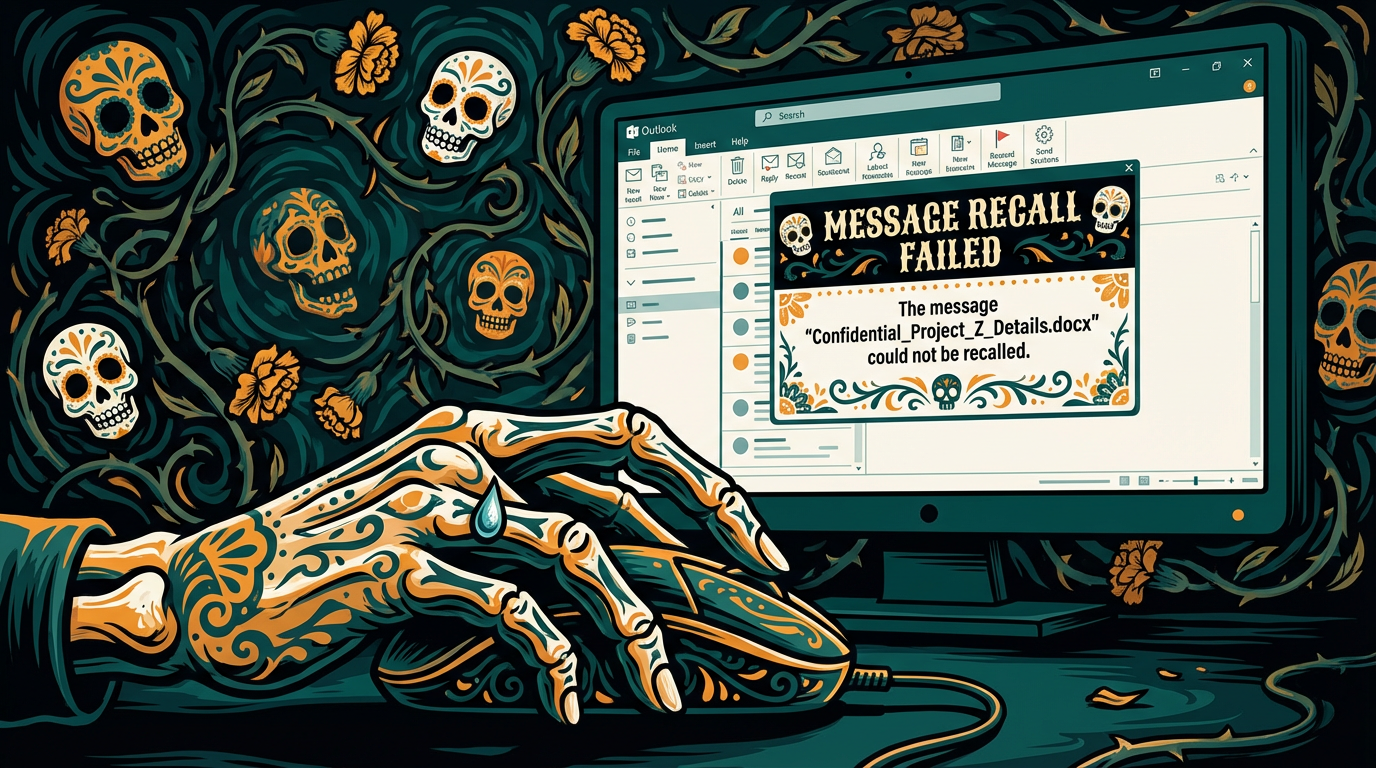
If you sent a PDF or a PowerPoint attachment, there is nothing you can do. The file is on their server. You can try the desperate "Please ignore previous email" follow-up (which draws attention to the mistake), or you can pray they don't notice.
But if you had sent a Live Deck via a Digital Sales Room, you could have fixed that logo, updated the pricing, and saved your reputation—all while the email was still sitting in their inbox.
Here is why the static sales deck is a relic of the past, and why the future belongs to "living" assets.
The "Static Trap"
When you attach a file to an email, you are sending a snapshot of the past.
From the moment it leaves your outbox, that document is dead. It cannot evolve. It cannot react to new information. If the prospect calls you five minutes later and negotiates a discount, the PDF in their inbox still shows the old price.
This leads to "Version Control Hell":
Proposal_v1.pdfProposal_v2_UPDATED.pdfProposal_v2_UPDATED_FINAL_REAL.pdf
Your buyer ends up confused, looking at the wrong numbers, and you look messy.
The Pivot: The "Living" Sales Asset
A Digital Sales Room (like Distribute) treats your presentation as a website, not a file. It is a live URL.
This shift from "File" to "URL" gives you three superpowers that static decks can't match.
1. The "Magic" Update (Retroactive Editing)
This is the biggest game-changer. Because the deck lives on the web, you control it forever.
Did you spot a typo? Fix it in your dashboard, and it updates instantly on the client's screen.
Did the scope of the deal change? Update the pricing slide in the room. When the client clicks the same link they received yesterday, they see the new numbers today.
No new attachments needed.
2. Rich Media that Actually Works
PDFs are where creativity goes to die.
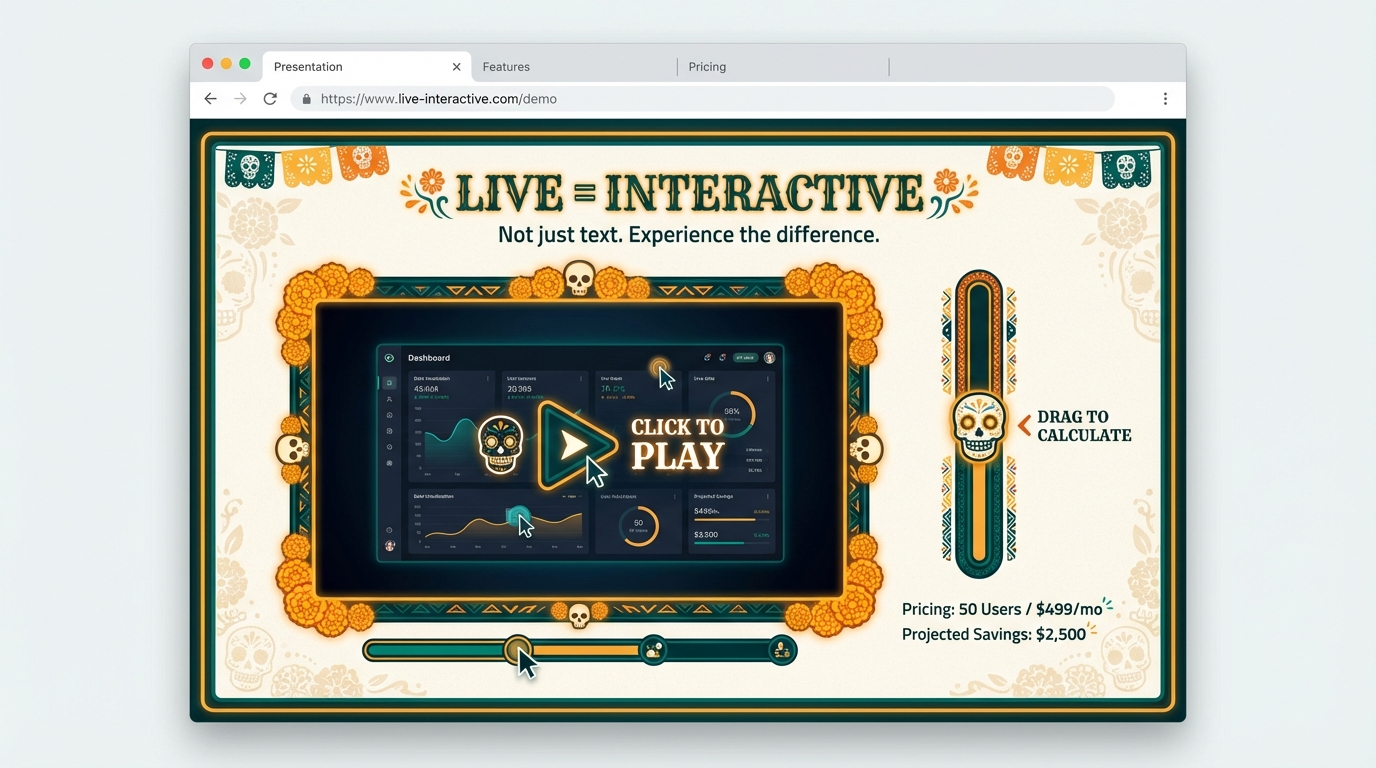
PDF: You have to take a screenshot of a video and hyperlink it to YouTube, forcing the buyer to leave your deck.
Live Deck: You embed the Loom video, the interactive ROI calculator, or the product tour directly into the page. They watch, click, and calculate without ever leaving your narrative.
3. Mobile Responsiveness (The "Pinch-to-Zoom" Killer)
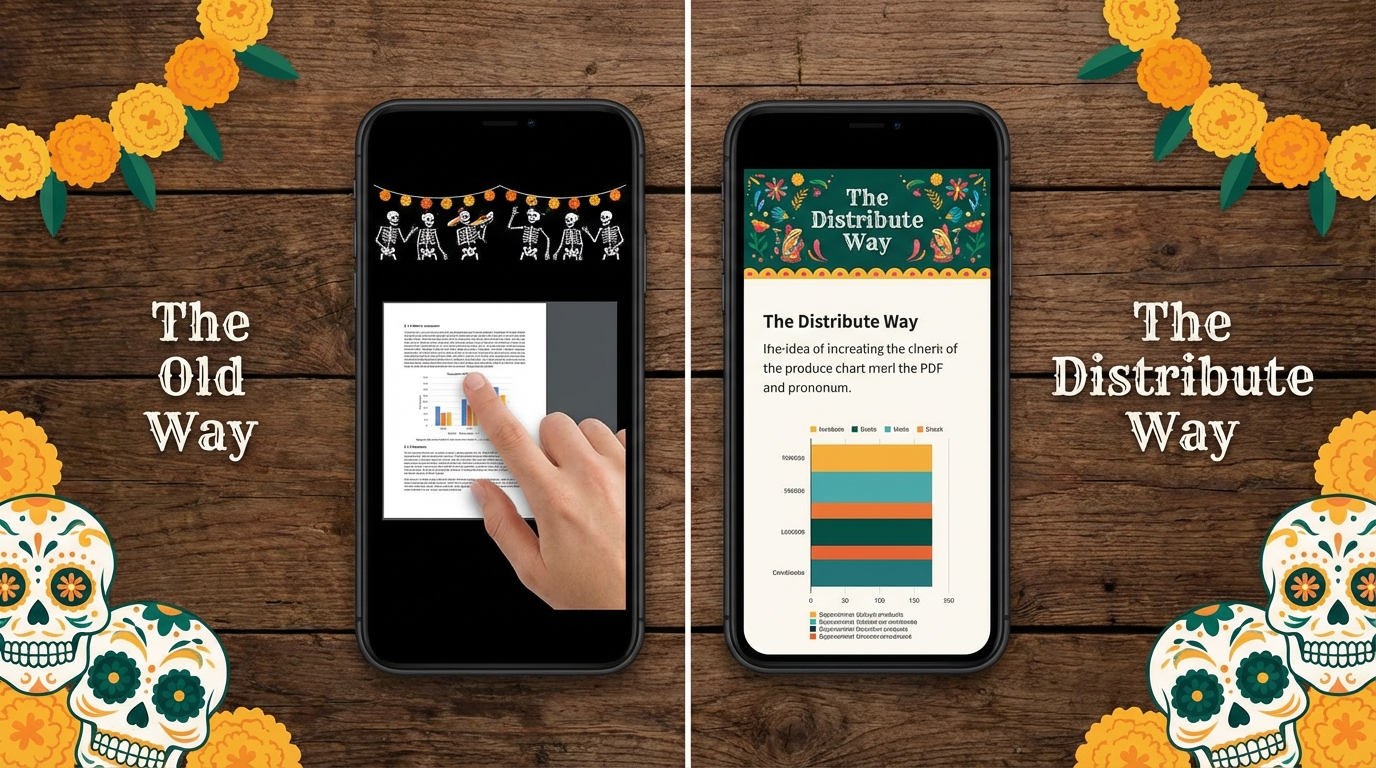
Have you ever tried to read a landscape PowerPoint slide on a portrait iPhone? It's miserable. You have to pinch, zoom, and scroll sideways to read the text.
A Live Deck is web-native. It reflows like a modern article. Your text stacks neatly, your images resize, and your buyer can read your proposal with one thumb while waiting for their coffee.
Summary: Stop Sending Snapshots
The speed of business is too fast for static files. Deals change. Pricing updates. Typos happen.
Don't lock yourself into a mistake. Move to a live sales presentation format. It gives you the agility to adapt the deal after you've hit send, ensuring your buyer always sees the most accurate, compelling version of your pitch.
Andy Mewborn
Content Specialist at Distribute. Exploring the intersection of AI, sales, and buyer enablement.
Related Articles
What Is a Digital Sales Room? (Definition & Benefits for B2B Sales)
A digital sales room (DSR) is a secure, centralized online workspace where B2B sellers and buyers collaborate throughout the sales process. Learn how DSRs are transforming sales with 50% faster deal cycles and 200% higher win rates.
A Guide to Digital Sales Room Software and How It Works
A digital sales room cuts through the noise of scattered emails and links. It's a private, branded online hub for each deal, giving your buyer one place to find everything they need.
Digital Sales Room Best Practices: What to Include for Maximum Buyer Engagement
Transform your sales process with strategic digital sales rooms that drive buyer engagement and accelerate deal closure. Learn the 8 essential components and implementation best practices for maximum effectiveness.