Bypassing Gmail's 25MB Limit: The Professional Way to Send Large Sales Assets
Stop sending WeTransfer links to your prospects. Learn the professional way to share large video files and decks without looking like an amateur.
Bypassing Gmail's 25MB Limit: The Professional Way to Send Large Sales Assets
You know the feeling. You've just finished exporting a 4K product demo or a high-res pitch deck. You open Gmail, drag the file over, and...
"Attachment size exceeds the allowable limit."
The 25MB wall hits you. Now, instead of focusing on your closing strategy, you are stuck playing IT support.
You usually have three bad options:
- Compress the file until it looks pixelated and cheap.
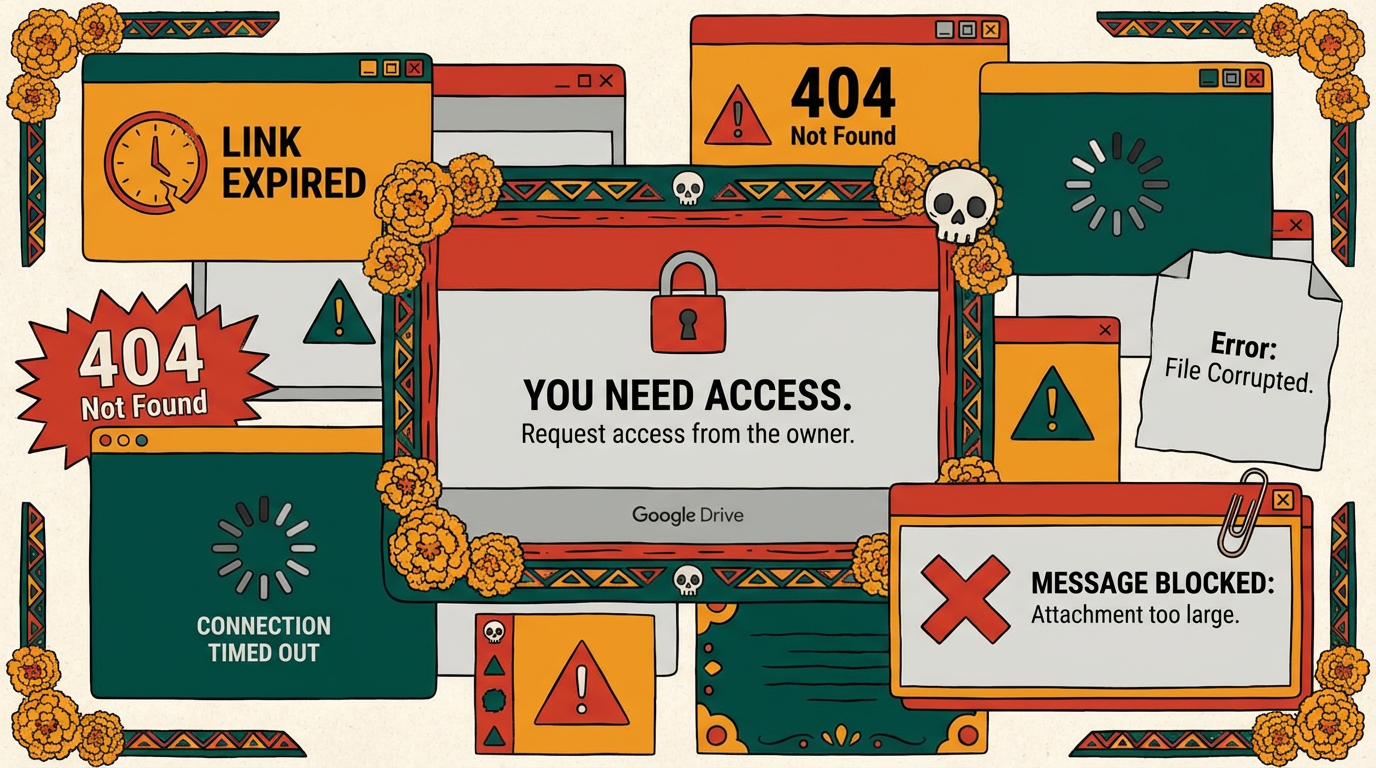
- Use a Google Drive link and pray the permissions are set correctly so they don't get an "Access Denied" screen.
- Use WeTransfer and send a generic, expiring link that looks like it could be spam.
If you are sending holiday photos to your grandma, these workarounds are fine. But if you are sending a contract or a $50k proposal, sending a WeTransfer link sends the wrong message. It says, "I don't have professional infrastructure."
Here is why the standard workarounds are killing your deal momentum, and the modern alternative that makes you look like an enterprise partner.
The "Band-Aid" Fixes (And Why They Fail)
The "Google Drive Link" Trap
We've all done it. You upload to Drive and paste the link.
The Risk: Half the time, the permissions are wrong. The prospect clicks, gets blocked, and has to "Request Access." Now you're trading emails just to get the file open. Momentum: killed.
The Experience: They land in a generic gray folder structure. It feels administrative, not persuasive.
The "WeTransfer" or "Dropbox" Link
The Risk: Most free transfer links expire in 7 days. If your champion goes to show the video to their CEO two weeks later, the link is dead. You look disorganized.
The Brand: They aren't looking at your brand; they are looking at an ad for Dropbox or a wallpaper on WeTransfer.
The Professional Way: The Digital Sales Room
The reason you are hitting the 25MB limit is that you are trying to push "files" instead of sharing an "experience."
Top-tier sales teams don't send attachments. They send portals.
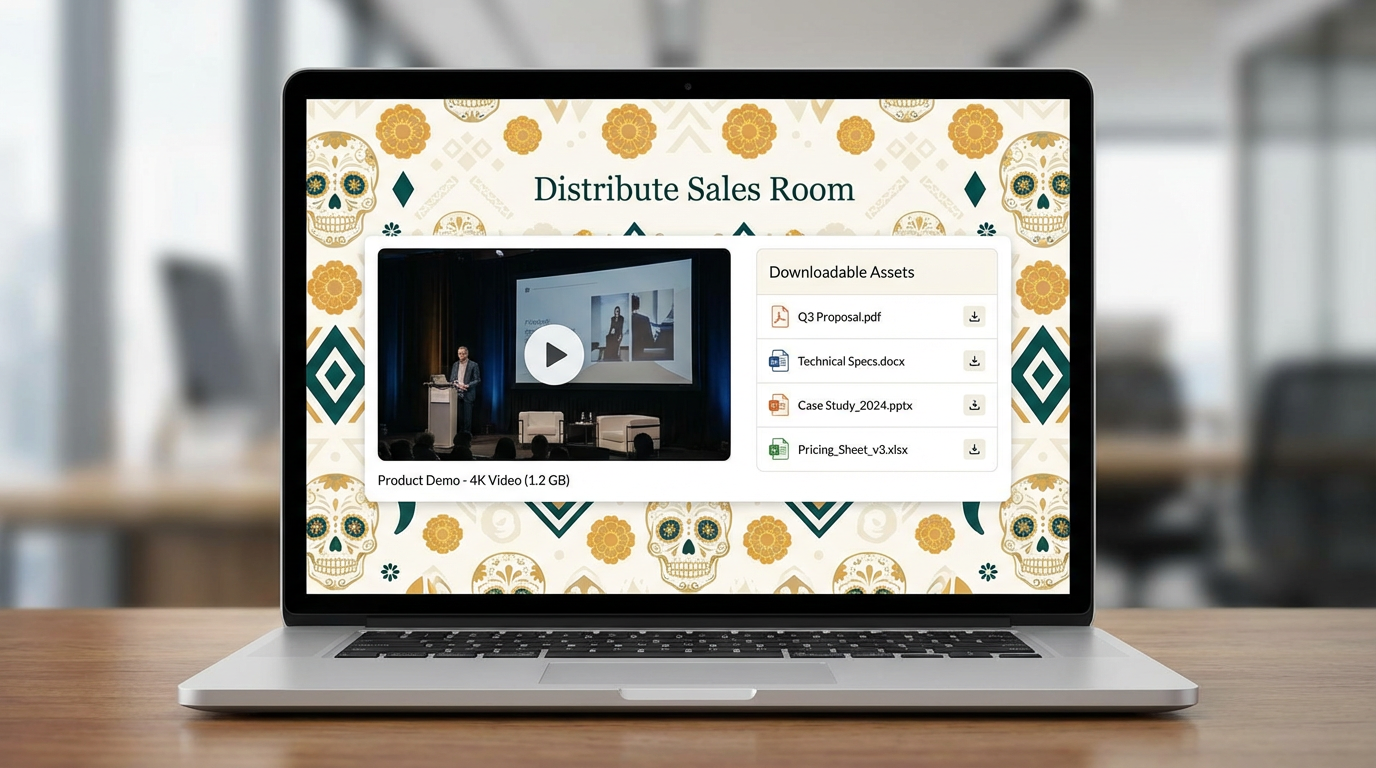
A Digital Sales Room (DSR) allows you to host files of any size—100MB videos, heavy PDF decks, raw design files—inside a beautiful, branded interface.
Here is why this change wins more business:
1. Zero Friction (No "Download" Required)
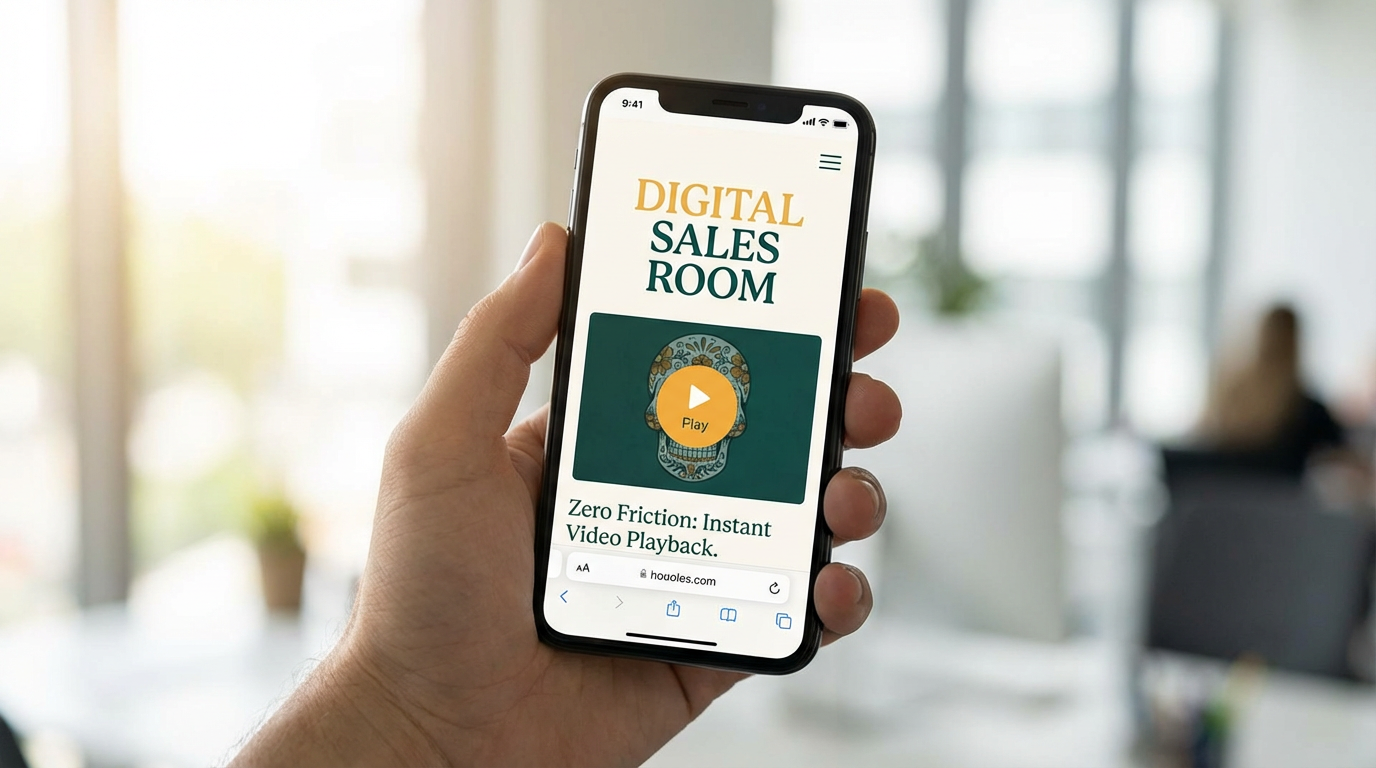
When you send a DSR link, your 500MB product demo plays instantly in their browser. They don't have to download a ZIP file, extract it, and find a media player. You are making it easy for them to buy.
2. Persistence (Links That Never Die)
Unlike a file transfer site, your Digital Sales Room is a permanent home for the deal. The link works today, next month, and next quarter. If you update the pricing deck v2, the link stays the same. You never have to say, "Oops, ignore the last email, use this one."
3. It's About Context, Not Just Content
A WeTransfer link is just a bucket of files. A Digital Sales Room lets you add context. You can place a 2-minute "Intro Video" right next to the "Pricing PDF." You can add a text block explaining why they should watch the demo. You are guiding their journey, not just dumping data on them.
The Bottom Line
The 25MB limit isn't just a technical annoyance; it's a signal that email wasn't built for modern B2B sales.
Stop fighting the file size limit with compression tools. Upgrade your process. Send a link that opens a door to your brand, not a generic folder.
Andy Mewborn
Content Specialist at Distribute. Exploring the intersection of AI, sales, and buyer enablement.
Related Articles
What Is a Digital Sales Room? (Definition & Benefits for B2B Sales)
A digital sales room (DSR) is a secure, centralized online workspace where B2B sellers and buyers collaborate throughout the sales process. Learn how DSRs are transforming sales with 50% faster deal cycles and 200% higher win rates.
A Guide to Digital Sales Room Software and How It Works
A digital sales room cuts through the noise of scattered emails and links. It's a private, branded online hub for each deal, giving your buyer one place to find everything they need.
Digital Sales Room Best Practices: What to Include for Maximum Buyer Engagement
Transform your sales process with strategic digital sales rooms that drive buyer engagement and accelerate deal closure. Learn the 8 essential components and implementation best practices for maximum effectiveness.