7 Best Quote Template Examples to Win More Deals in 2025
Discover 7 powerful quote template examples that accelerate your sales cycle. From PandaDoc to HubSpot, find the perfect quoting solution for your business.
Sending a sales quote often feels like a race against the clock. You need to be fast, accurate, and professional, but juggling PDFs, spreadsheets, and endless email threads is a recipe for errors and lost deals. The right template isn't just a document; it's a strategic tool that transforms a tedious task into a powerful closing asset.
This guide moves beyond basic layouts to provide a detailed breakdown of top-tier quote template examples, analyzing what makes them effective and how you can adapt their strategies for your own sales process. We'll explore everything from downloadable files for quick wins to integrated platforms that automate the entire process. To streamline the creation, sending, and management of these crucial documents, establishing an efficient document management workflow can prevent common pitfalls and keep your deals moving forward.
We've gathered screenshots and direct links for each option, showing you not just what they look like, but how they function to accelerate your sales cycle. Let's find the perfect quoting solution to help you spend less time on administrative work and more time building relationships and closing deals.
1. PandaDoc
PandaDoc stands out by combining an extensive library of free quote template examples with a powerful, end-to-end document workflow platform. It's an ideal choice for businesses that want to move beyond static PDFs and create interactive, trackable, and legally binding quotes that accelerate the sales cycle. The platform is designed to scale, accommodating everyone from freelancers needing a simple price quote to enterprise teams requiring complex CPQ (Configure, Price, Quote) functionality.
Unlike basic template repositories, PandaDoc integrates the entire quoting process into a single digital environment. This means you can generate a quote, send it, track opens and views, negotiate terms via comments, and secure an e-signature without ever leaving the platform. Its core strength lies in automation and integration, making it a powerful hub for sales documents.
- Core Offering: Dozens of industry-specific templates (construction, web design, cleaning services) that are fully customizable within a drag-and-drop editor.
- Key Differentiator: The platform's ability to connect your quote directly to your CRM (like Salesforce, HubSpot, or Zoho) is a game-changer. This integration auto-populates client data, company details, and product line items, drastically reducing manual entry and eliminating costly errors.
- Pricing & Access: While the templates are free to browse and download, using the full editor, e-signature, and tracking features requires a paid plan. Plans start with a free eSign option, with more advanced quoting and automation features available in the Business and Enterprise tiers.
What It's Best For: PandaDoc is best for sales teams that need to produce professional, consistent quotes quickly and want deep visibility into buyer engagement after the quote is sent. The real-time analytics show you exactly when a prospect opens the document and which sections they spend the most time on, providing valuable intelligence for your follow-up.
Pros:
- Scalability: Grows with your business, from simple quotes to complex, approval-based workflows.
- Efficiency: CRM integrations and a built-in product catalog save significant time.
- All-in-One: Manages the entire document lifecycle from creation to signature and payment.
Cons:
- Learning Curve: Can be more complex than necessary for one-off, basic quotes.
- Cost: The most powerful features, like CPQ and advanced CRM integrations, are locked behind higher-tier plans.
Website: https://www.pandadoc.com/quote-templates/
2. HubSpot
HubSpot provides a fundamentally different approach, offering a collection of straightforward and completely free quote template examples designed for immediate download and use. This resource is perfect for freelancers, small businesses, or anyone needing a professional-looking quote without committing to a new software platform. It prioritizes simplicity and accessibility, delivering clean, editable templates in familiar formats like Microsoft Word and PDF.
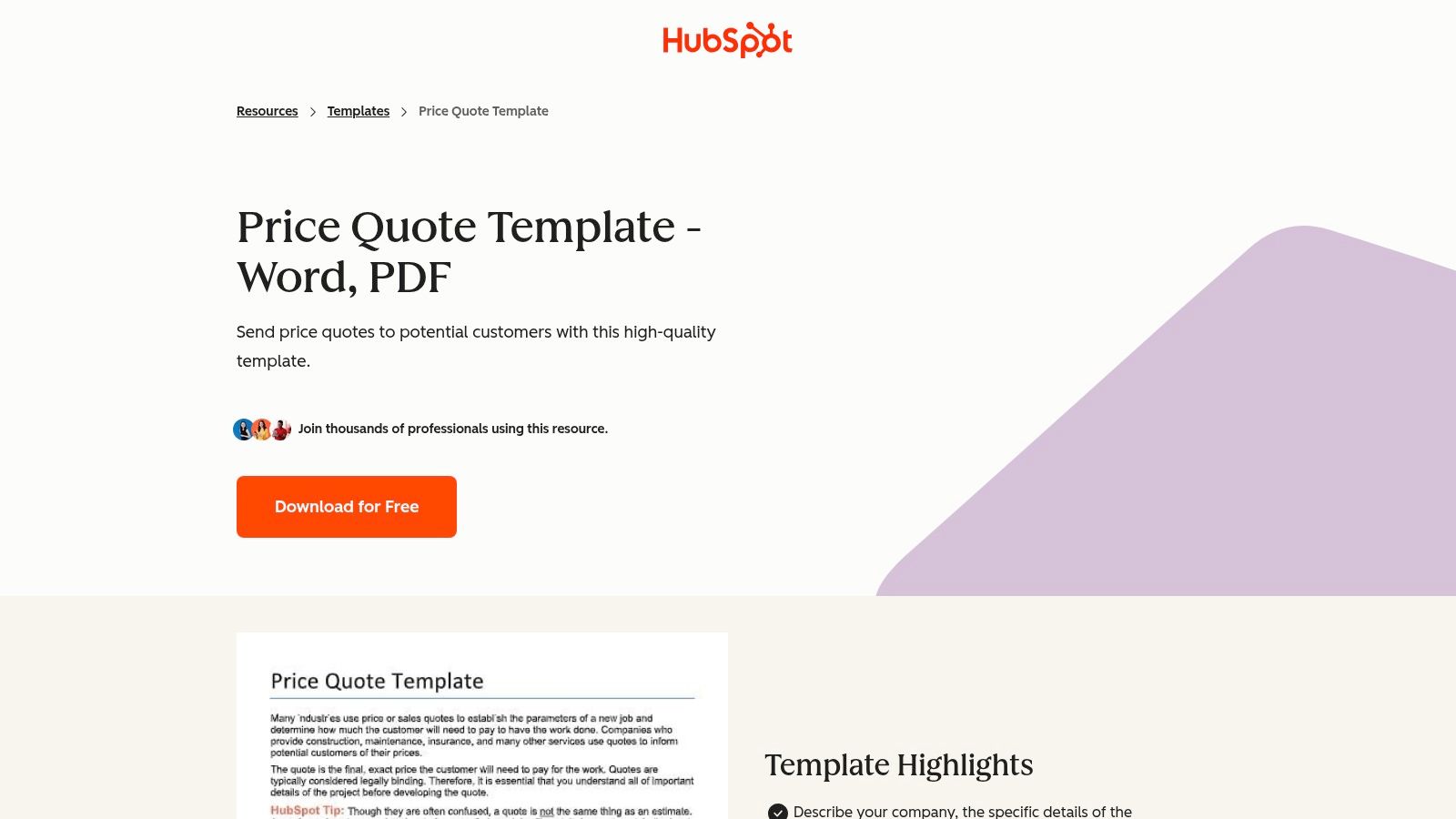
Unlike integrated platforms, HubSpot's templates function as standalone documents. You download the file, edit it with your existing software, and send it to your client as an attachment. The value here is in the professional structure; each template includes all the essential fields like a quote number, expiration date, itemized pricing table, and terms and conditions. It's a no-frills solution for creating a polished quote in minutes.
- Core Offering: A set of downloadable price quote templates available in Word and PDF formats, featuring a classic, professional layout with all necessary sections.
- Key Differentiator: Its absolute simplicity and zero-cost barrier. There is no software to learn and no account creation required to access the templates. This makes it an incredibly fast solution for generating a one-off quote or for businesses that handle quoting infrequently.
- Pricing & Access: The templates are 100% free to download and use. HubSpot offers them as a lead-generation tool for its wider ecosystem of sales and marketing software, including its more advanced quote generation tools within the paid Sales Hub.
What It's Best For: HubSpot is best for individuals or small teams who need a quick, reliable, and professional quote format without the overhead of a dedicated quoting platform. If your process involves sending simple quotes as PDF attachments and you're comfortable working in Word or Google Docs, this is an efficient way to get the job done. While the templates are static, they can be enhanced by presenting them within a comprehensive proposal hosted in a digital sales room to provide a better buyer experience.
Pros:
- Completely Free: No cost or sign-up required for the basic templates.
- Zero Setup: Instantly downloadable and editable with common software.
- Professional Layout: Covers all the essential components of a standard business quote.
Cons:
- Static & Manual: Lacks automation, e-signatures, or tracking capabilities.
- No Integrations: All data, including client details and pricing, must be entered manually.
- Limited Functionality: Does not automatically calculate totals unless you add formulas yourself.
Website: https://www.hubspot.com/business-templates/price-quote
3. QuickBooks (Intuit)
QuickBooks shifts the focus from standalone sales documents to fully integrated financial workflows. For the millions of small businesses already using QuickBooks for accounting, its built-in estimating tool is the most logical and efficient way to create and manage quotes. This approach ensures that once a quote is accepted, it flows seamlessly into the invoicing and payment-tracking stages, eliminating duplicate data entry and maintaining financial accuracy from the very beginning of the customer relationship.
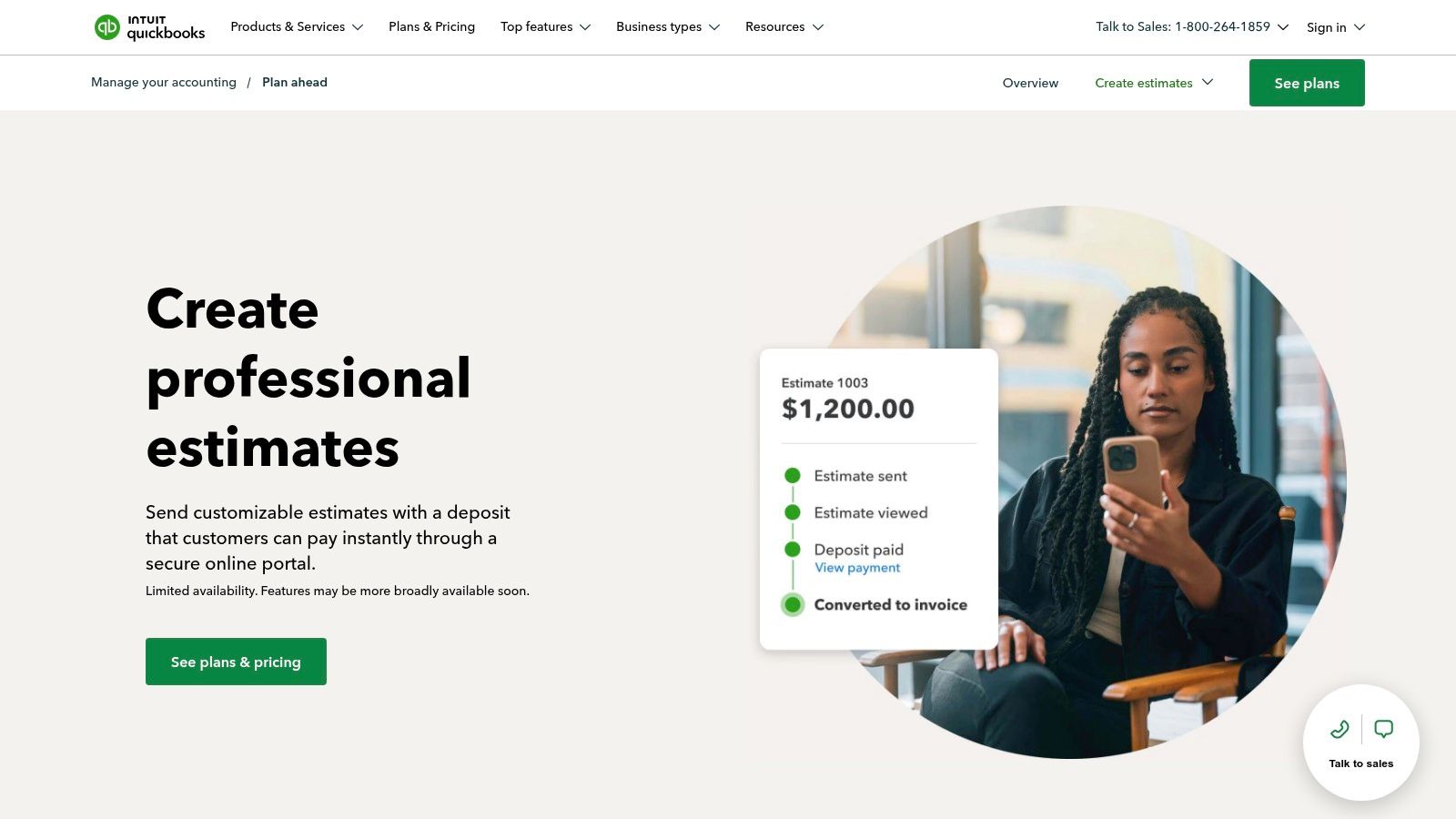
While the platform often uses the term "Estimate," these documents function identically to quotes and can be customized to display the title "Quote" for the client. The core value isn't in a vast library of quote template examples, but in the deep integration with your company's financial backbone. It's designed for practicality and efficiency, turning a sales agreement directly into a financial record with a single click.
- Core Offering: A streamlined tool within QuickBooks Online to create, customize, send, and track professional estimates or quotes.
- Key Differentiator: The one-click conversion of an accepted estimate directly into an invoice. This native integration is its greatest strength, as it syncs customer data, line items, and payment status automatically, preventing the manual reconciliation required when using separate quoting and accounting software. It also allows for online acceptance and deposit collection.
- Pricing & Access: Quoting functionality is included with QuickBooks Online subscription plans (Simple Start, Essentials, Plus, Advanced). While there are no free templates to download externally, the tool is a core part of the paid subscription, whose price has increased over time.
What It's Best For: QuickBooks is ideal for small to medium-sized businesses, freelancers, and service providers who prioritize financial management and efficiency. If your business already runs on QuickBooks, using its quoting feature is a no-brainer to keep sales and accounting perfectly aligned. For businesses that need to track project profitability from quote to final payment, this integration is invaluable.
Pros:
- Seamless Accounting: Eliminates all double-entry work between sales and finance.
- Familiar Platform: Easy to adopt for existing QuickBooks users with a gentle learning curve.
- Customer Convenience: Allows clients to accept quotes and pay deposits online through a secure portal.
Cons:
- Limited Customization: Less design flexibility compared to dedicated proposal software.
- Sales-Focused Features: Lacks advanced sales features like analytics, document tracking, or deep CRM integration.
- Cost: Requires an ongoing QuickBooks Online subscription to access the feature.
Website: https://quickbooks.intuit.com/accounting/estimates-proposals/
4. FreshBooks
FreshBooks is known primarily as an accounting and invoicing software, but it also offers a valuable collection of free quote template examples tailored for freelancers, contractors, and small service-based businesses. Its approach is to provide simple, professional, and accessible estimate templates that serve as a direct entry point into its broader ecosystem of financial tools. This makes it an excellent choice for solo entrepreneurs who need a clean starting point for their quotes with a clear path to managing invoices and payments later on.
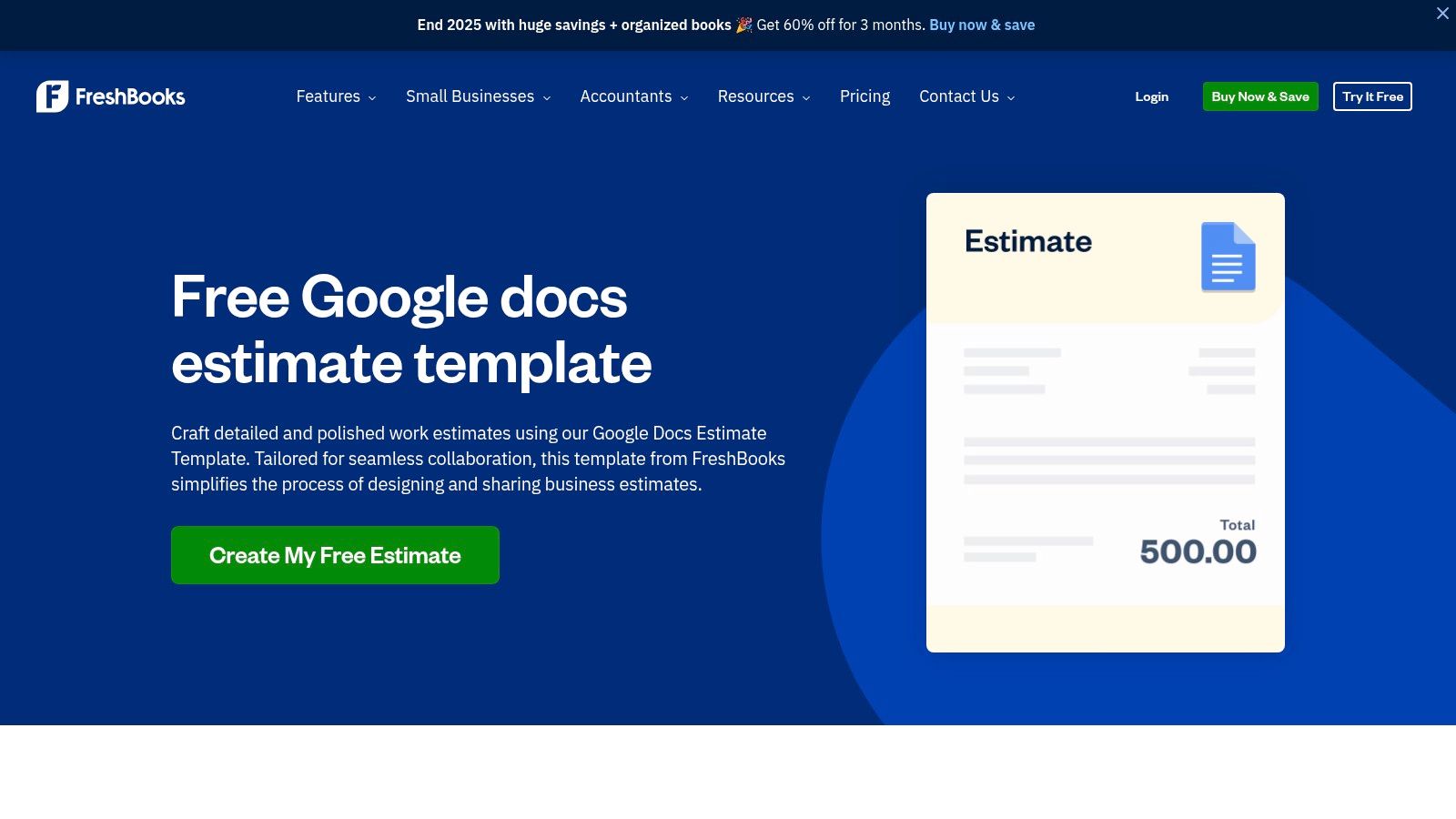
Unlike all-in-one sales platforms, FreshBooks separates its free resources from its paid software. You can download and use the templates in formats like Google Docs, Word, or Excel without ever signing up. However, the true value emerges when you use these designs within the FreshBooks platform, which transforms a static document into a dynamic part of your client management workflow, connecting estimates directly to invoices, project tracking, and payment processing.
- Core Offering: A curated selection of free, downloadable estimate and quote templates. These are designed with clarity in mind and are available in universally compatible formats, including a popular Google Docs version for easy cloud-based editing.
- Key Differentiator: The seamless transition from quoting to invoicing. Once a client approves a FreshBooks estimate, it can be converted into an invoice with a single click inside the software. This integration is a major time-saver for small businesses managing their own billing cycles.
- Pricing & Access: The templates themselves are completely free to download and use indefinitely. To access the integrated features like estimate-to-invoice conversion, online payments, and client tracking, you need a FreshBooks subscription, which offers a 30-day free trial.
What It's Best For: FreshBooks is ideal for freelancers and small business owners who handle their own sales and accounting. If you need a straightforward, professional-looking quote that can be quickly created and easily converted into a billable invoice, this is one of the most efficient solutions available.
Pros:
- Simplicity: The templates are clean, easy to understand, and require no technical skills to customize.
- Smooth Workflow: The easy on-ramp from a free template to a full invoicing system is a huge advantage for growing businesses.
- Mobile-Friendly: The FreshBooks app allows you to create and send estimates on the go.
Cons:
- Static Downloads: The free downloadable files lack built-in features like e-signatures or tracking.
- Limited Customization: While functional, the free templates offer less creative and branding flexibility compared to dedicated proposal software.
Website: https://www.freshbooks.com/estimate-templates/google-docs
5. Proposable
Proposable is a dedicated proposal and quoting platform designed to streamline how sales teams create, send, and track high-impact sales documents. It offers a curated library of quote template examples that serve as a strong foundation for building persuasive, interactive quotes. The platform is especially useful for teams that need to manage a high volume of proposals and require robust features like collaboration, analytics, and content management.
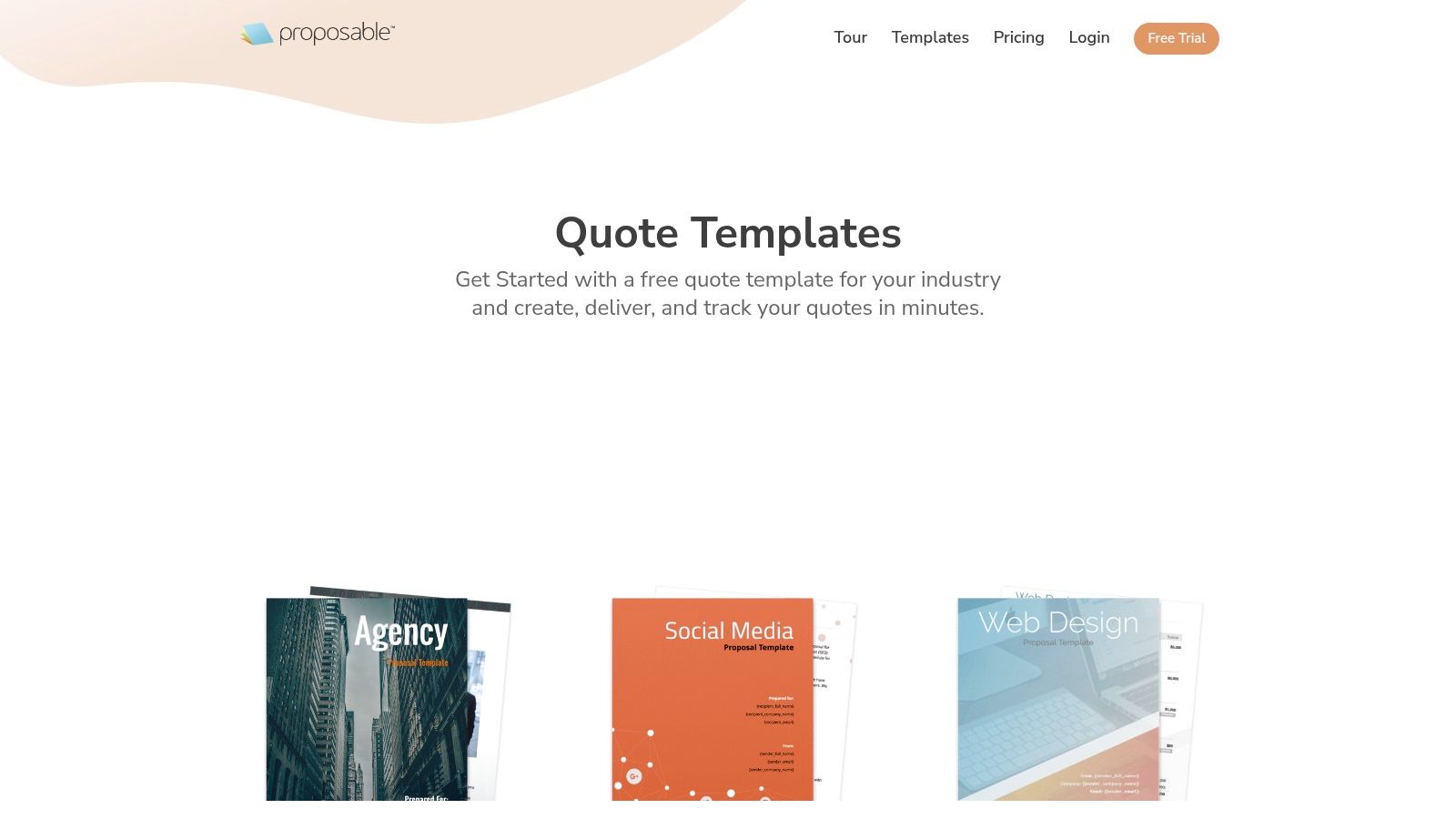
Unlike generic document editors, Proposable is purpose-built for the sales process. Its core strength is centralizing all quoting assets into a "Content Library," allowing teams to quickly drag and drop pre-approved sections, case studies, and pricing tables into a new quote. This ensures brand consistency and significantly speeds up the time it takes to respond to a potential client. You can also see how to build a professional proposal with a pricing package on Distribute.
- Core Offering: A focused gallery of quote and proposal templates with an intuitive editor, rich media support, and interactive pricing blocks.
- Key Differentiator: The platform's emphasis on team collaboration and content management. The centralized Content Library allows sales leaders to create and manage approved content snippets, which sales reps can then use to assemble quotes quickly without going off-brand or using outdated information.
- Pricing & Access: Proposable offers tiered plans, typically on a per-user basis. The entry-level plan is for solo users, while the "Team" plan unlocks unlimited proposals and key collaboration features. Access to the full template builder and analytics requires a subscription.
What It's Best For: Proposable is ideal for sales teams that need a repeatable and scalable process for generating quotes. It shines in environments where multiple people need to collaborate on a single proposal or where maintaining brand consistency across a large team is a top priority. The analytics provide clear insight into when a quote is opened, which sections are viewed, and when it's signed.
Pros:
- Sales-Focused: Designed specifically for sales quotes and proposals, not general documents.
- Scalable Collaboration: Scales effectively from individual users to enterprise-level teams with its user roles and content management features.
- Efficiency Tools: The Content Library and product catalog integration dramatically reduce quote creation time.
Cons:
- Cost Structure: The per-user pricing can become expensive for larger teams.
- Limited Template Library: Its template catalog is smaller compared to some larger, all-in-one document platforms.
Website: https://proposable.com/quote-templates
6. Portant
Portant carves out a niche by focusing on automating the quote generation process for teams heavily invested in the Google Workspace ecosystem. It's the perfect solution for businesses that manage their pricing, products, and client data in Google Sheets and want to automatically generate polished, professional quote template examples in Google Docs or PDF format without the overhead of a full-scale CPQ platform.
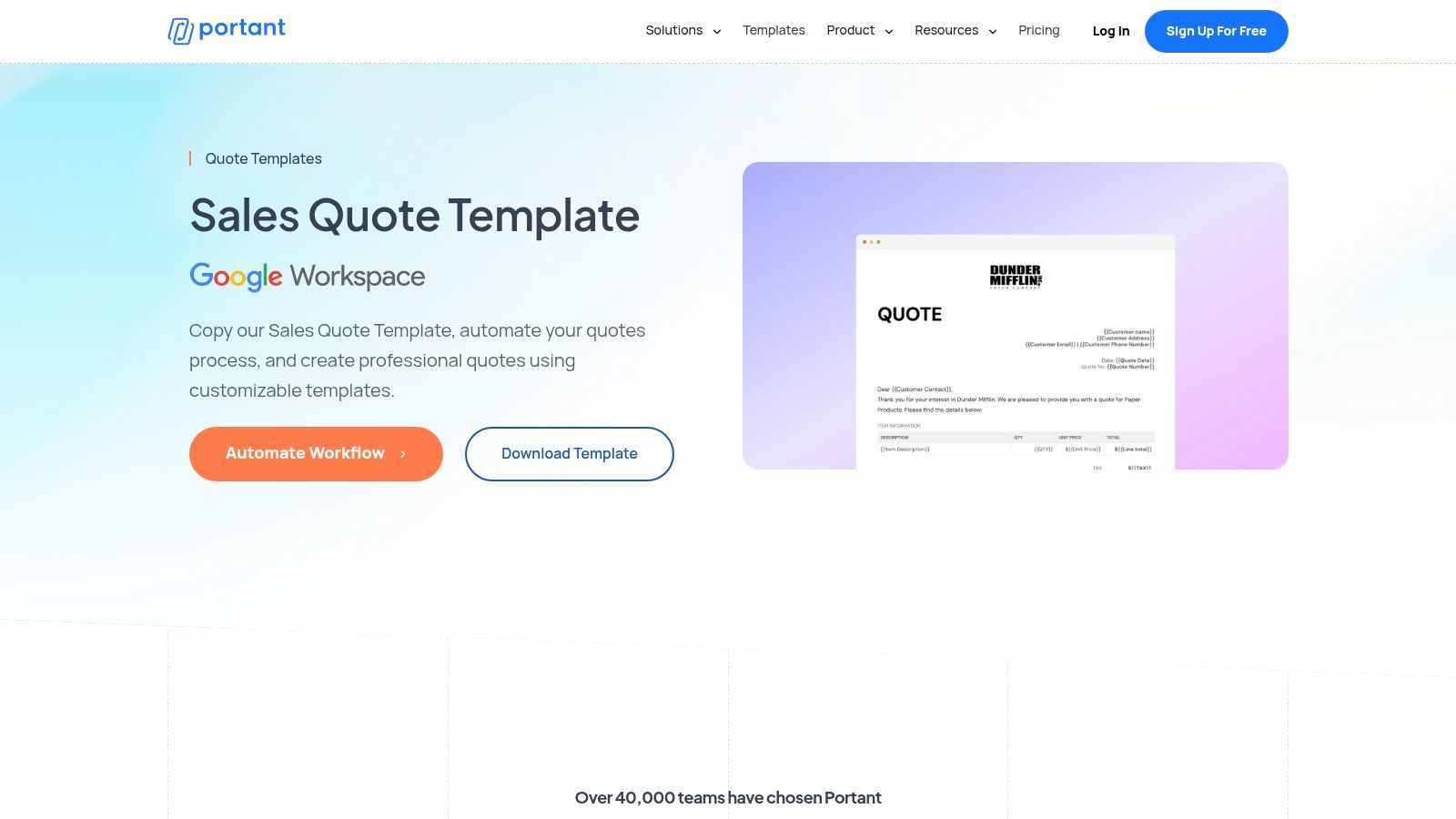
Unlike all-in-one sales platforms, Portant acts as a powerful bridge between your data source (Google Sheets) and your final document (Google Docs). It allows you to create a template with merge tags, connect it to your spreadsheet, and then automatically generate personalized quotes for each row of data. This approach eliminates tedious copy-pasting while keeping you in the familiar Google environment.
- Core Offering: An automation workflow that connects Google Sheets data to Google Docs templates. Users can leverage pre-built templates or create their own and use tags to auto-populate customer details, line items, pricing, and terms.
- Key Differentiator: Its deep, native integration with Google Workspace is its standout feature. By treating Google Sheets as a database, Portant enables small to mid-sized teams to implement powerful document automation without leaving the tools they already use daily. It also includes built-in e-signature and email-sending capabilities.
- Pricing & Access: Portant offers a generous free plan that is suitable for low-volume needs, allowing users to generate a set number of documents per month. Paid plans unlock higher usage limits, team features, and more advanced workflow options, making it accessible for both individuals and growing teams.
What It's Best For: Portant is best for operations managers, sales teams, and small business owners who live inside Google Workspace. If your current quoting process involves manually copying information from a spreadsheet into a document template, Portant will revolutionize your workflow, saving hours of repetitive work and reducing human error.
Pros:
- Seamless Google Integration: Works natively with Sheets and Docs for a smooth user experience.
- Automation Focus: Excels at automating the repetitive task of generating quotes from data.
- Cost-Effective: The free plan provides significant value for users with modest quoting needs.
Cons:
- Niche Focus: Less suitable for businesses not using Google Workspace.
- Not a Full CRM: Lacks the advanced tracking, analytics, and deal management features of a dedicated sales platform.
Website: https://www.portant.co/quote-template/sales-quote-template
7. Etsy
Etsy might seem like an unconventional source, but it's a goldmine for finding affordable, highly specific, and visually creative quote template examples. Instead of offering a platform or software, Etsy acts as a marketplace where independent creators sell instantly downloadable templates for common programs like Canva, Microsoft Word, Google Docs, and Excel. This makes it a perfect choice for freelancers, small business owners, and solo entrepreneurs who need a professional-looking document without the cost or complexity of a dedicated quoting tool.
Unlike all-in-one software solutions, Etsy's value lies in its sheer variety and niche specialization. You can find templates tailored for very specific industries, from freelance photography and event planning to landscaping and artisan crafts. The focus is on aesthetics and ease of use in familiar software, allowing anyone to quickly produce a polished quote that reflects their brand's unique style.
- Core Offering: A massive marketplace of digital, downloadable quote templates in various file formats (DOCX, XLSX, Google Docs/Sheets, and Canva).
- Key Differentiator: The vast, crowd-sourced selection ensures you can find a design that perfectly matches your brand identity or industry niche for a one-time, low cost. The ability to filter by file type gives you complete control over which program you use to edit the final document.
- Pricing & Access: Extremely accessible. Most templates are a one-time purchase, often ranging from $2 to $10. Once purchased, you receive an instant digital download link to the files, with no recurring subscriptions or hidden fees.
What It's Best For: Etsy is best for individuals and small businesses that prioritize design and affordability over advanced functionality. If you need a simple, beautifully designed static quote for a one-off project or infrequent use, and you're comfortable editing in Word or Canva, Etsy provides unparalleled value and choice.
Pros:
- Very Affordable: One-time purchase model is budget-friendly.
- Creative Variety: Huge selection of styles, from minimalist to modern, suiting any brand.
- Familiar Software: Templates are editable in common applications you already know.
Cons:
- Variable Quality: As a marketplace, quality can differ between sellers; always check reviews.
- No Automation: Templates are static and lack e-signature, tracking, or CRM integration features.
Website: https://www.etsy.com/market/price_quote_template
Top 7 Quote Template Comparison
| Solution | Implementation complexity 🔄 | Resource needs ⚡ | Expected outcomes ⭐ / Impact 📊 | Ideal use cases | Key advantages 💡 | |---|---:|---:|---:|---|---| | PandaDoc | Medium→High — advanced builder & workflows | Moderate — subscription + CRM integrations | ⭐⭐⭐⭐⭐ · Full quote-to-sign, analytics, scalable automation | Sales teams needing templates, CPQ and CRM sync | 💡 Large industry template library; strong automation | | HubSpot (template) | Low — download & edit static file | Very low — free Word/PDF | ⭐⭐⭐ · Polished, editable quote with basic fields | Freelancers/small teams wanting no‑setup quotes | 💡 Zero setup; professional structure | | QuickBooks (Intuit) | Medium — setup accounting/estimates | Moderate — subscription; accounting integration | ⭐⭐⭐⭐ · Convert estimate→invoice, payment collection | Businesses requiring tight accounting/billing sync | 💡 Eliminates double entry; customer portal payments | | FreshBooks | Low→Medium — templates + optional software | Low — free templates; optional subscription | ⭐⭐⭐ · Simple estimates with easy invoicing path | Freelancers and service businesses starting small | 💡 Easy on‑ramp from template to invoicing; guides | | Proposable | Medium→High — proposal builder & team features | Moderate→High — per‑user pricing for teams | ⭐⭐⭐⭐ · Proposal tracking, collaboration, analytics | Sales teams that send many tracked proposals | 💡 Purpose-built for proposals; collaboration tools | | Portant | Low→Medium — sheet→doc automation setup | Low — works with Google Workspace; free tier | ⭐⭐⭐ · Automates repetitive quote generation | Google Workspace teams automating Sheets→Docs quotes | 💡 Automates merges; good free plan for low volume | | Etsy (templates) | Low — purchase & customize static files | Very low — one‑time inexpensive purchase | ⭐⭐ · Affordable, niche designs but static | One‑time purchases or niche/styled templates | 💡 Huge variety and low cost; editable in common apps |
From Template to Triumph: Supercharge Your Sales Follow-Up
You now have a complete toolkit of quote template examples designed for a variety of industries and use cases, from the robust features in PandaDoc and HubSpot to the specialized simplicity of QuickBooks and FreshBooks. We've deconstructed what makes each template effective, offering actionable tips you can apply today. The key takeaway is clear: a well-structured quote does more than just present numbers; it builds trust, communicates value, and streamlines the decision-making process for your buyer.
However, the template itself is only half the battle. The most significant gains in sales velocity and professionalism come from how you package and deliver that quote. Relying on static email attachments like PDFs or Word documents leaves you in the dark, wondering if your proposal was ever even opened. This is a critical blind spot in a modern sales cycle.
Key Takeaways for Immediate Impact
To truly elevate your quoting process from a simple administrative task to a strategic closing tool, focus on these core principles:
- Context is King: Never send a quote in isolation. Your pricing makes the most sense when supported by relevant materials. Package it with demo recordings, case studies, and implementation timelines to answer questions before they're even asked.
- Engagement is Your Compass: Modern tools provide invaluable insight. Knowing when a prospect opens your quote, who they share it with, and which sections they spend the most time on allows you to tailor your follow-up with surgical precision.
- Professionalism Wins Deals: A polished, branded, and easy-to-navigate quote reflects the quality of your business. Ditch generic templates and clunky attachments for an interactive experience that makes it easy for your champion to sell on your behalf internally.
Putting Your Quote Templates into Action
As you move forward, the next step is to integrate these templates into a smarter workflow. While many of the tools we covered offer solid starting points, a dedicated deal room platform amplifies their effectiveness. This approach centralizes all communication and collateral, creating a single source of truth for your buyer.
Ultimately, the best quote template examples are the ones that get used, tracked, and iterated upon. Start with the template that best fits your business, but commit to enhancing its delivery. By shifting from a static document to a dynamic, trackable deal page, you not only save time but also gain the critical intelligence needed to guide your deals to a successful close.
Ready to stop guessing and start closing? Distribute transforms your quote from a simple document into an interactive, AI-powered deal room. Package your templates alongside demos, case studies, and call recordings to create a winning buyer experience. See how Distribute can supercharge your sales process today.
Distribute Team
Content Specialist at Distribute. Exploring the intersection of AI, sales, and buyer enablement.
Related Articles
A Kick Off Call Template for Perfect Project Alignment
A good kick off call template isn't just a document—it's your single best tool for starting a project on the right foot and building instant alignment.
10 Powerful Sales Discovery Questions to Uncover Buyer Needs in 2025
The quality of your questions dictates the quality of your outcomes. Learn the 10 most powerful sales discovery questions that transform pitches into partnerships.
A Modern Playbook for Responding to RFPs
Responding to an RFP isn't just administrative work—it's a high-stakes sales play. This framework helps you invest resources where they'll make the biggest impact.